Seats on accounts nobody uses
Paid licences on disabled accounts, and on accounts with no sign-in for 90 days, listed by licence with every account named.
Licence audit
Find the paid seats nobody uses, costed per year with the evidence behind each, and reclaim them through an approved change.
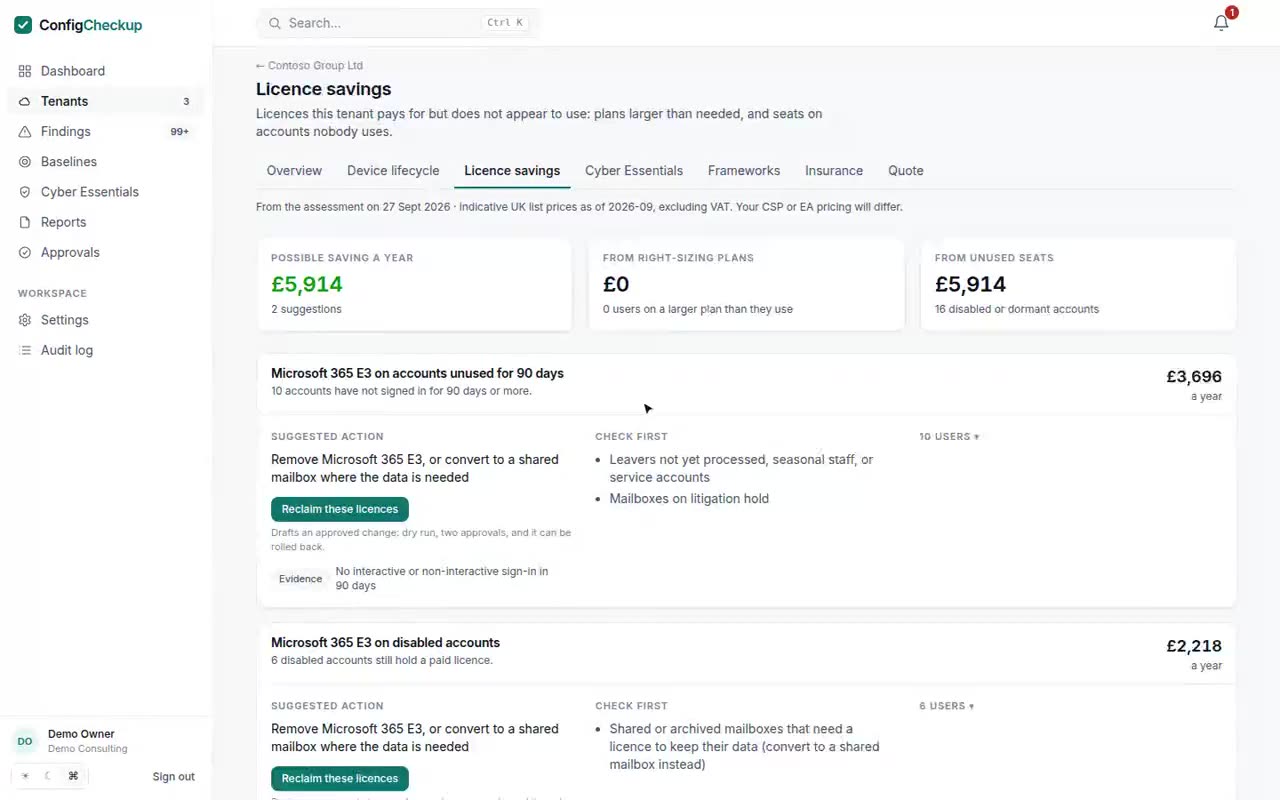
Paid licences on disabled accounts, and on accounts with no sign-in for 90 days, listed by licence with every account named.
Seats with no Copilot use in 30 days, and seats bought but never assigned. People given a seat in the last month are never counted.
E5 users where no E5-only feature is in use, or Business Premium with its security features switched off, with what to check first.
Use what you actually pay your distributor, or a discount off list. Unpriced licences are left out of totals rather than guessed.
Read-only admin consent. No agent, no mailbox or file access.
Licences, users and sign-in activity are read, and every suggestion is worked out from them.
Draft the removal as a change: a dry run, a second approver, and a way back.
Said plainly, so you know what you are buying.
Microsoft Graph permissions, granted by the client’s admin.
Organization.Read.AllUser.Read.AllAuditLog.Read.AllReports.Read.AllFourteen days, one tenant, no card. The figures come from your tenant, not from averages.