The screening room

See ConfigCheckup in action.

Click through the console on a demo workspace while a voice explains each step, from connecting a tenant to containing a compromised account. There is nothing to sign up for.

The 2-minute tour
Click through the real console, with a voice explaining each step

16 short steps. Turn your sound on.

On a small screen, the tour opens full screen

16 short steps. Turn your sound on.

Prefer to watch or browse? Watch the films, the video or click through the console yourself.

The films

One job at a time, from Home.

Six films that each follow the console with demo data: each starts on Home, goes to the page by the sidebar and carries out one job. Where the demo can’t reach Microsoft, the film says so: it stops there, or cuts to a card and marks what follows as staged.

Film 01 of 6Chapter 01 · Automated fixes

/homeDemo data
0:00 / 0:40
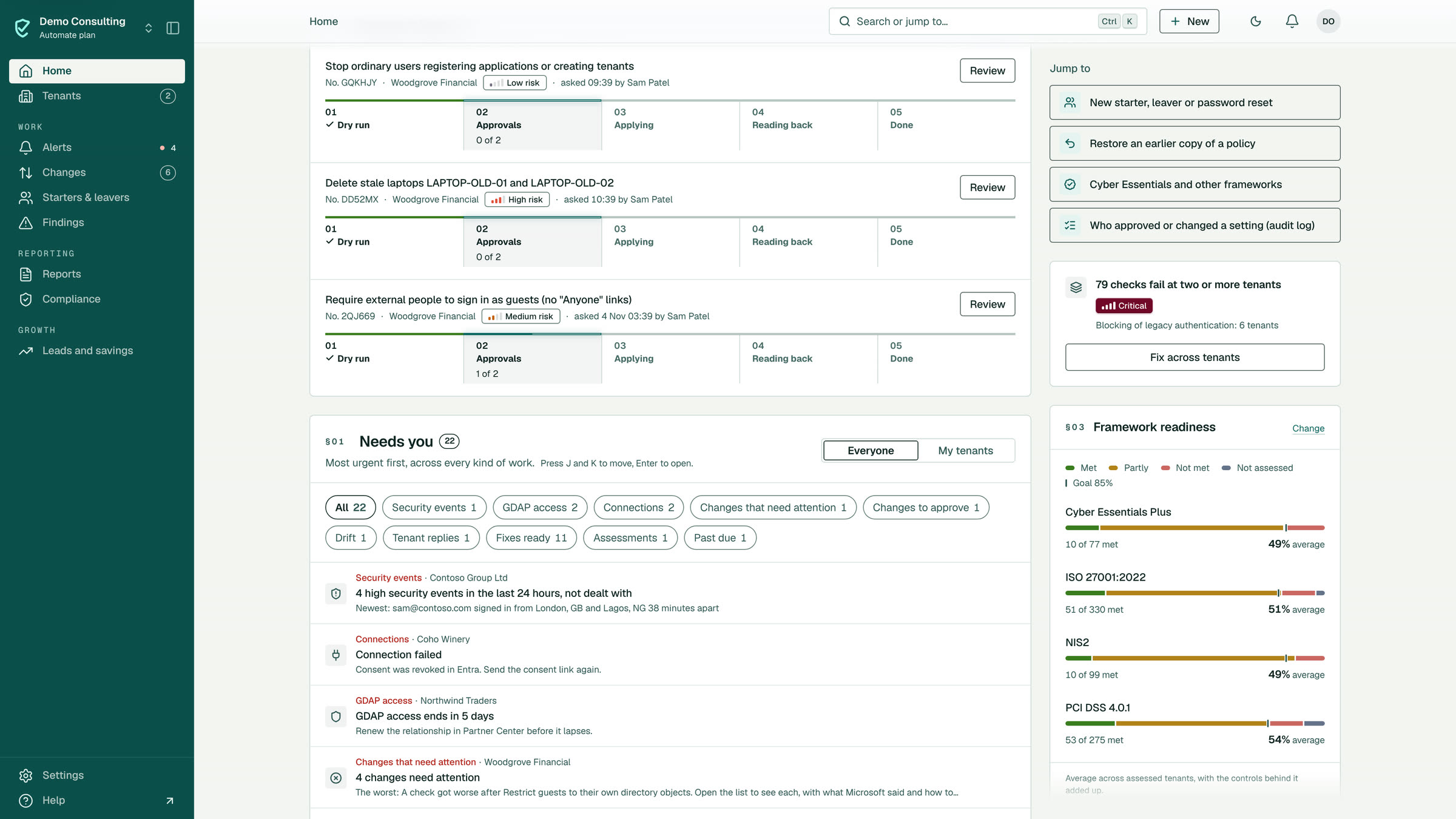
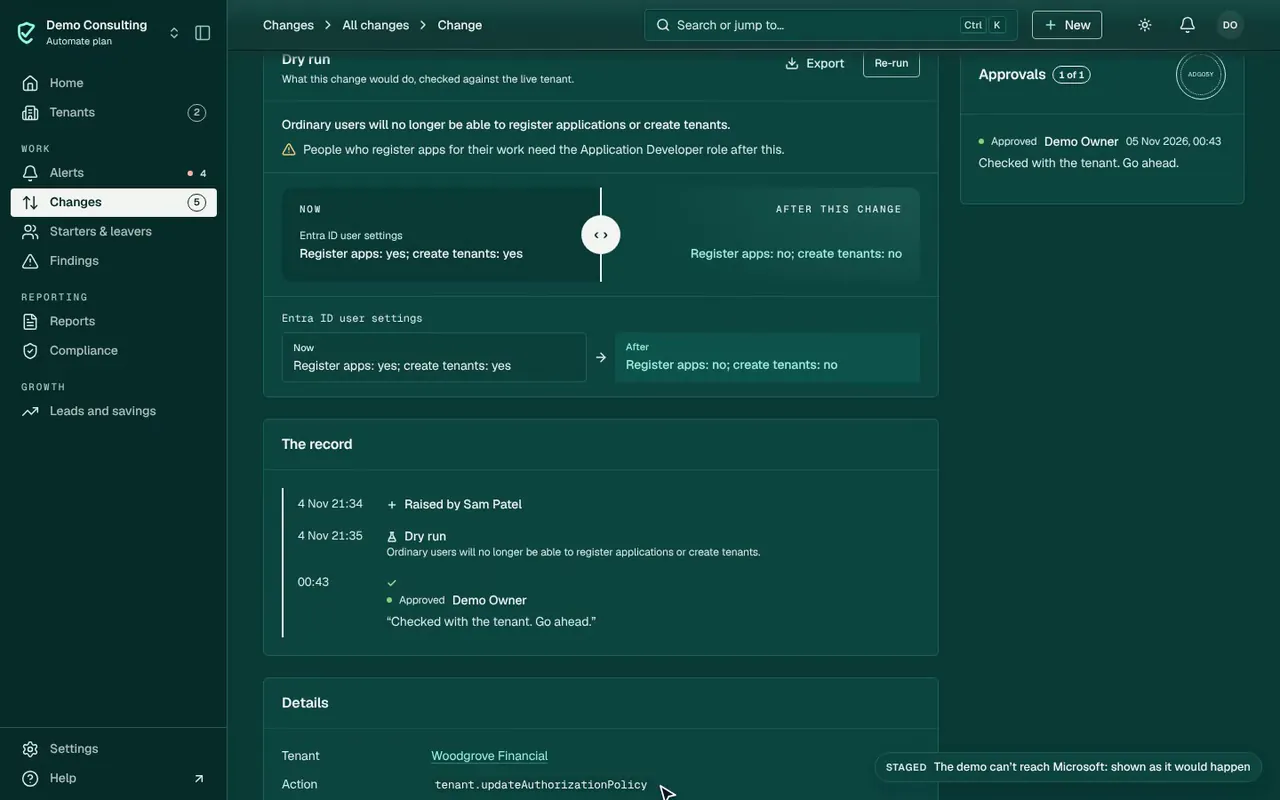
  1. 01HomeOne change waits for approval
  2. 02The changeThe change, drafted by Sam Patel
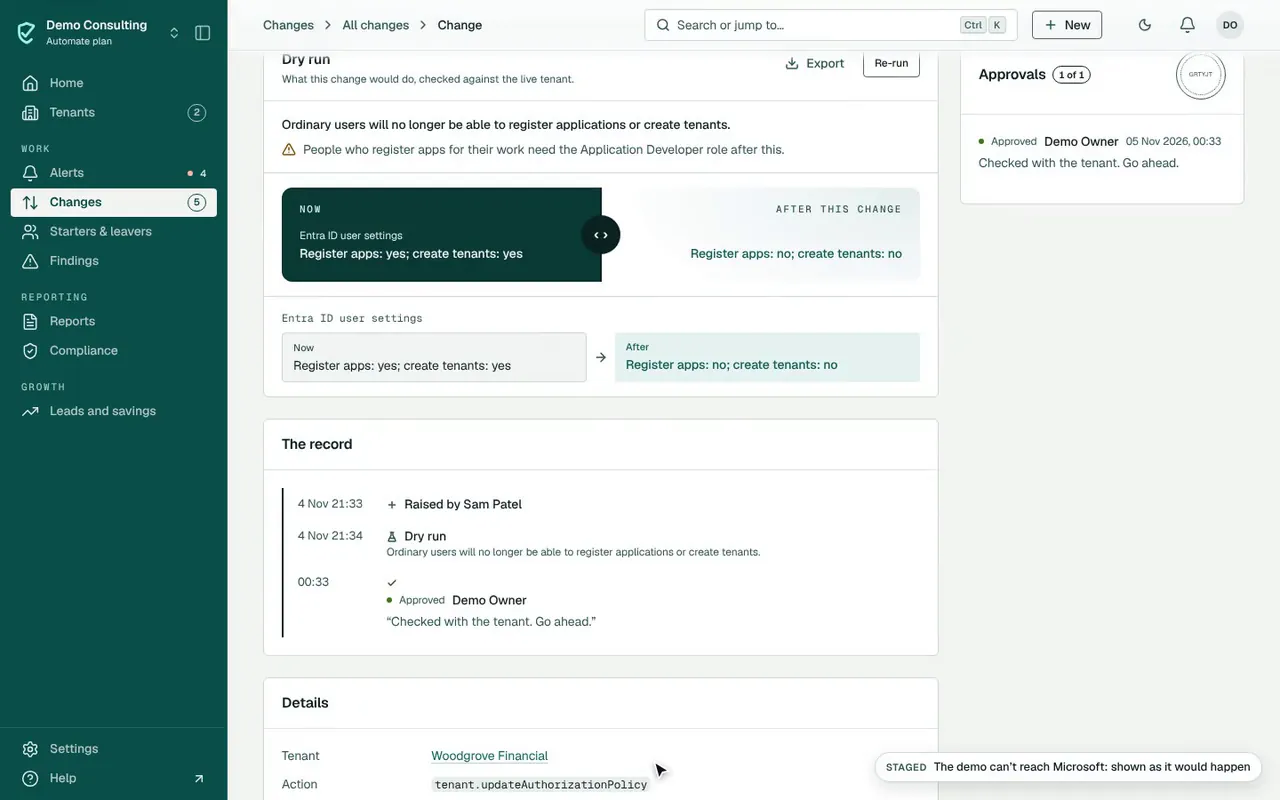
  3. 03Dry runThe dry run: register apps yes → no; create tenants yes → no
  4. 04CommentAdd a comment for the record
  5. 05ApproveApproved · runs next
  6. 06CutCut · The demo can’t reach Microsoft, so the next part is staged.
  7. 07Read back (staged)After it runs (staged): read back, then the check runs again
  8. 08Way backThe way back is kept

Approve a fix, then see it read back · 0:40

Demo data: made-up tenants, nothing is changed.

Approve a fix, then see it read back, from Home to done · 0:40. Demo data: made-up tenants, nothing is changed.

Film 02 of 6Chapter 02 · Everyday admin

/homeDemo data

0:00 / 0:52
  1. 01HomeStart from Home
  2. 02The tenantOpen the tenant
  3. 03Users & mailOpen Users & mail
  4. 04The personOpen the person
  5. 05OffboardOne change, steps ticked
  6. 06Last dayTheir last day
  7. 07Who takes overWho takes over their mail and files
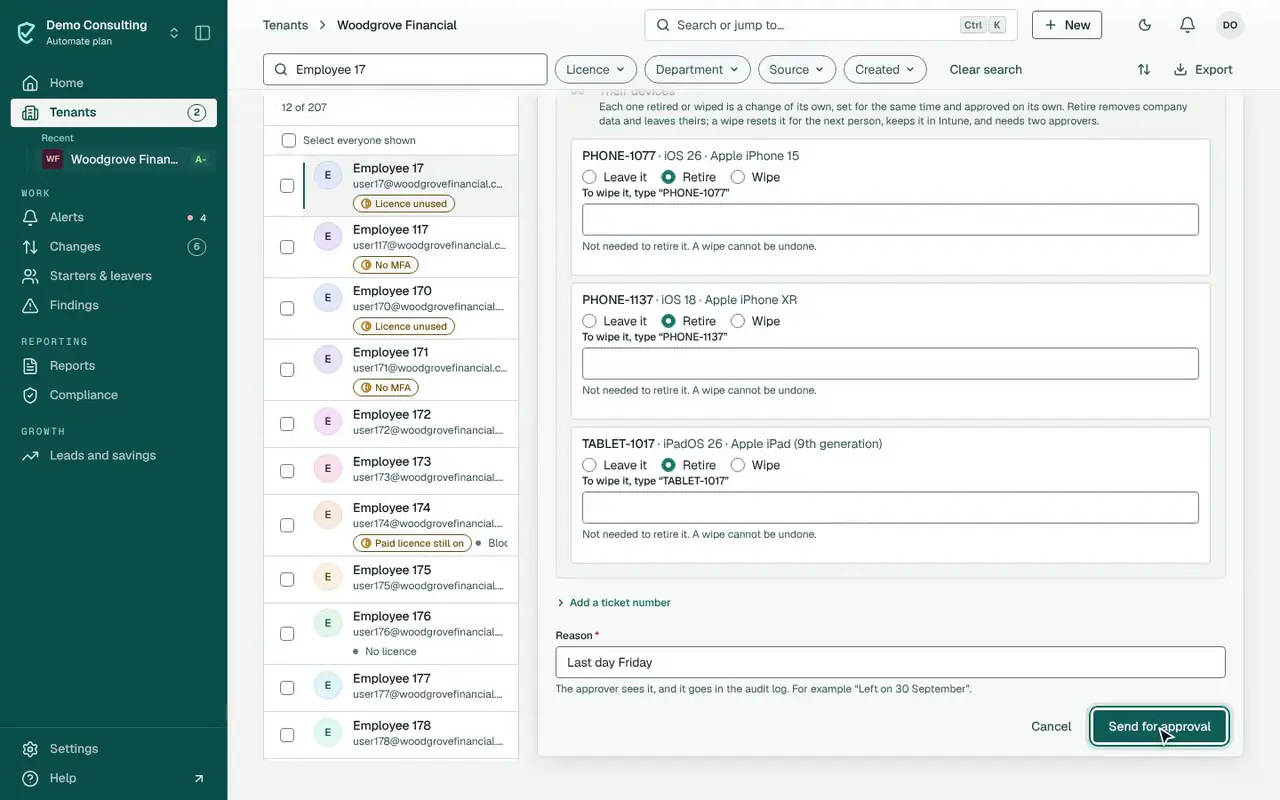
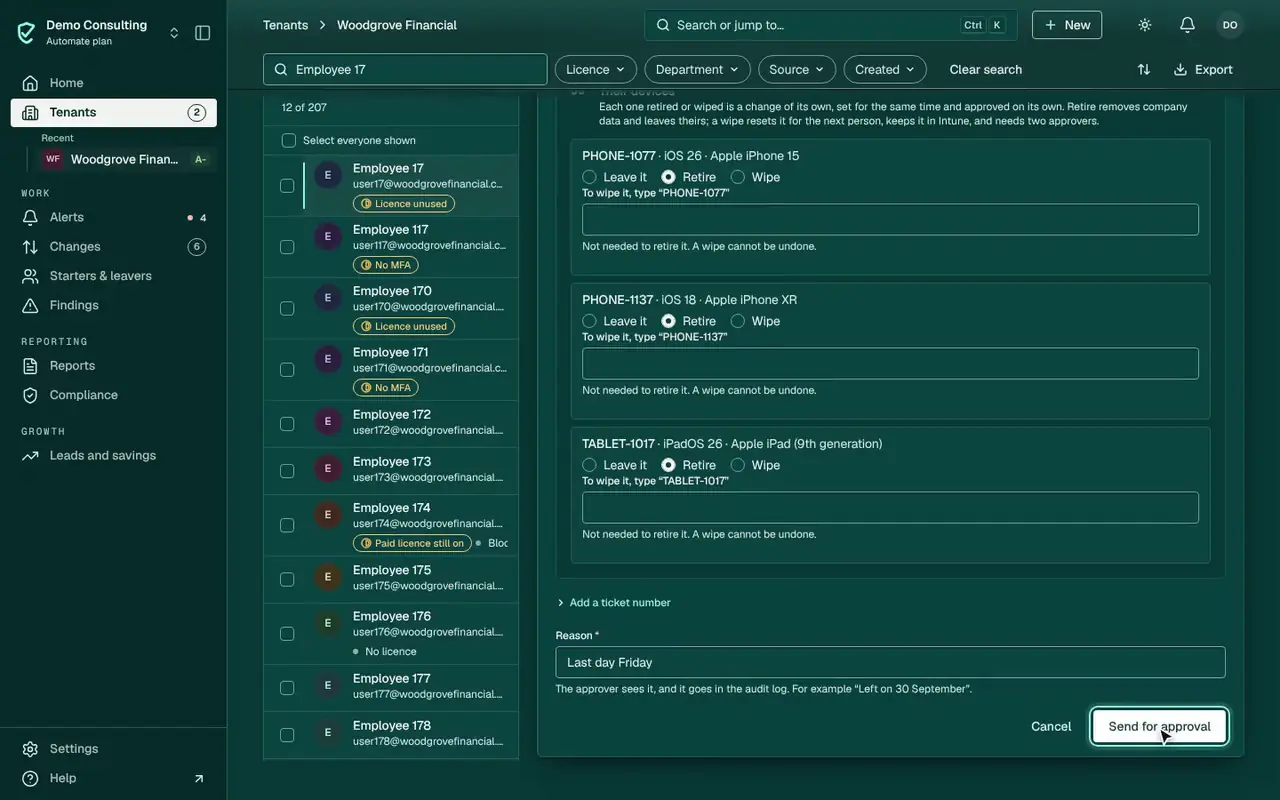
  8. 08DevicesTheir devices: retire
  9. 09Send for approvalIn your tenant this goes to an approver and runs at 17:00 tenant time on their last day. Mailbox steps need the Exchange automation app. The demo can’t reach Microsoft, so the film stops here.

Offboard a leaver on their last day · 0:52

Demo data: made-up tenants, nothing is changed.

Offboard a leaver on their last day, from Home to done · 0:52. Demo data: made-up tenants, nothing is changed.

Film 03 of 6Chapter 03 · Reports

/homeDemo data

0:00 / 0:59
  1. 01HomeStart from Home
  2. 02New reportReports › New report
  3. 03TenantChoose the tenant
  4. 04TypeChoose Tenant review pack
  5. 05SectionsThe preview follows
  6. 06IntroductionWrite the introduction
  7. 07TemplateSave these choices as a template
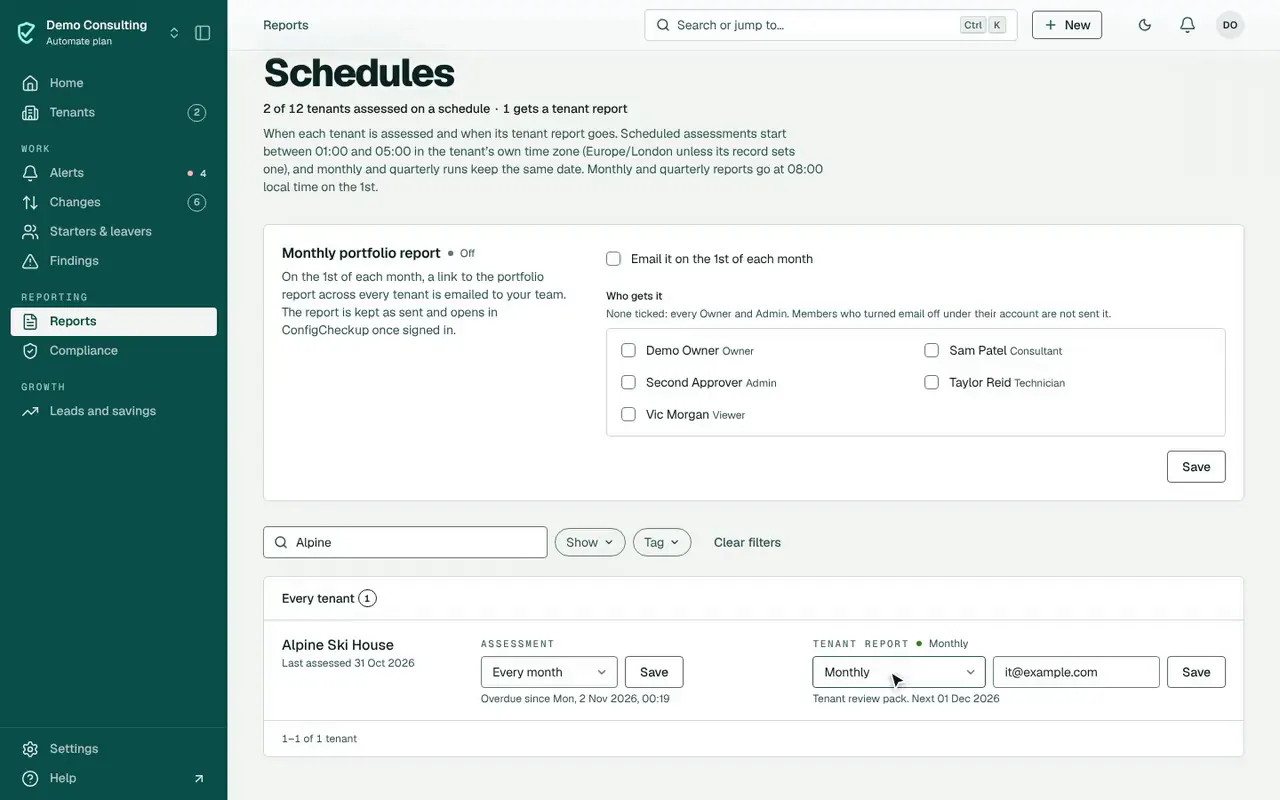
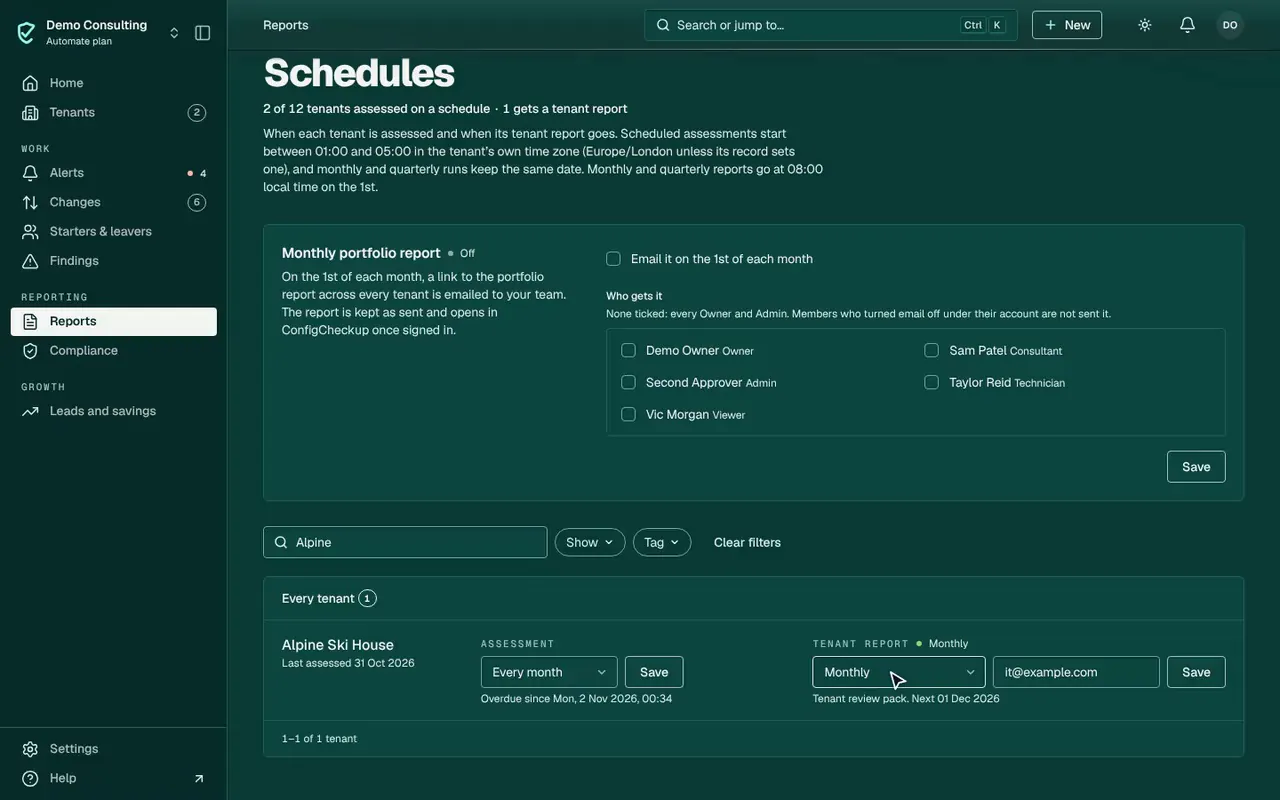
  8. 08SchedulesReports › Schedules
  9. 09MonthlyMonthly, to a recipient, saved

Build a tenant review and schedule it monthly · 0:59

Demo data: made-up tenants, nothing is changed.

Build a tenant review and schedule it monthly, from Home to done · 0:59. Demo data: made-up tenants, nothing is changed.

Film 04 of 6Chapter 04 · Devices and assets

/homeDemo data

0:00 / 0:56
  1. 01HomeStart from Home
  2. 02The tenantOpen the tenant
  3. 03DevicesThe tenant’s devices, worst first
  4. 04Asset registerThe asset register
  5. 05LAPTOP-1004Open the laptop
  6. 06RecordTag, location, purchase, cost, supplier and warranty
  7. 07SavedDue for replacement · Warranty expired; Coming up fills
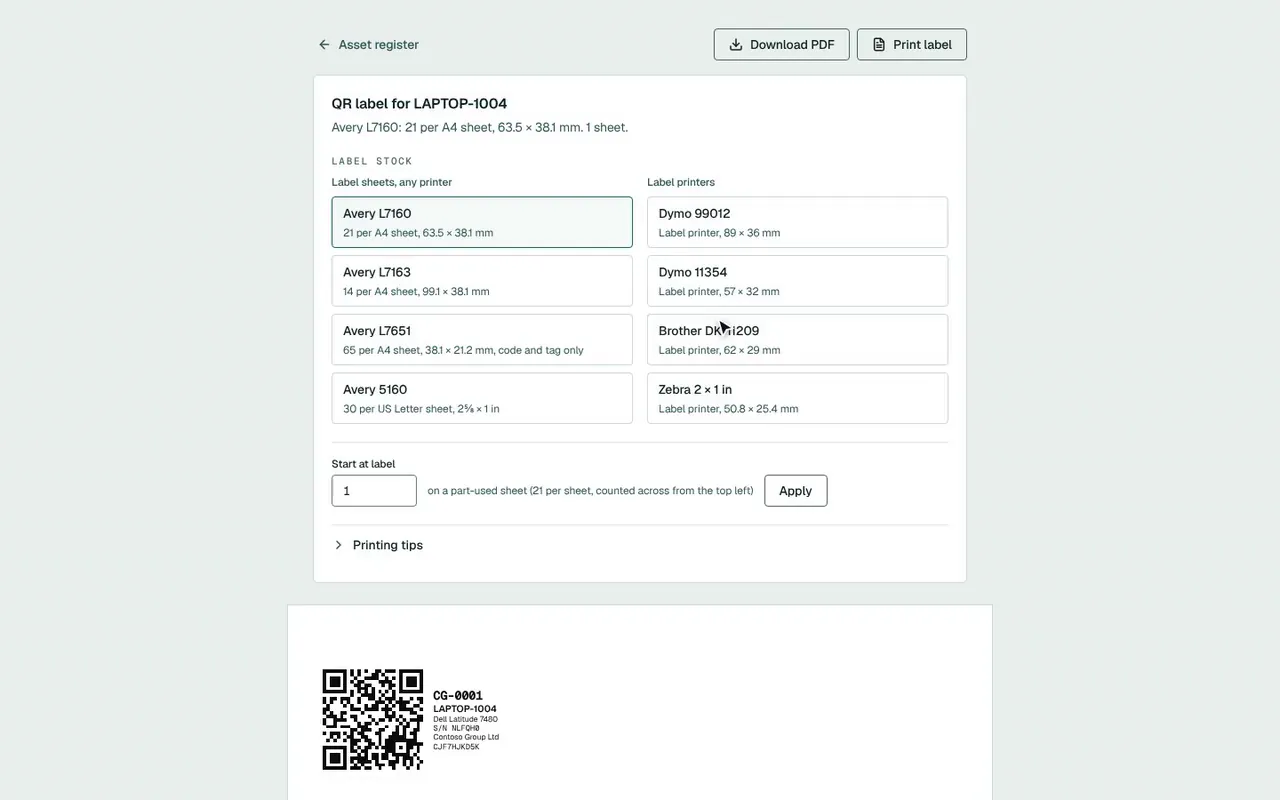
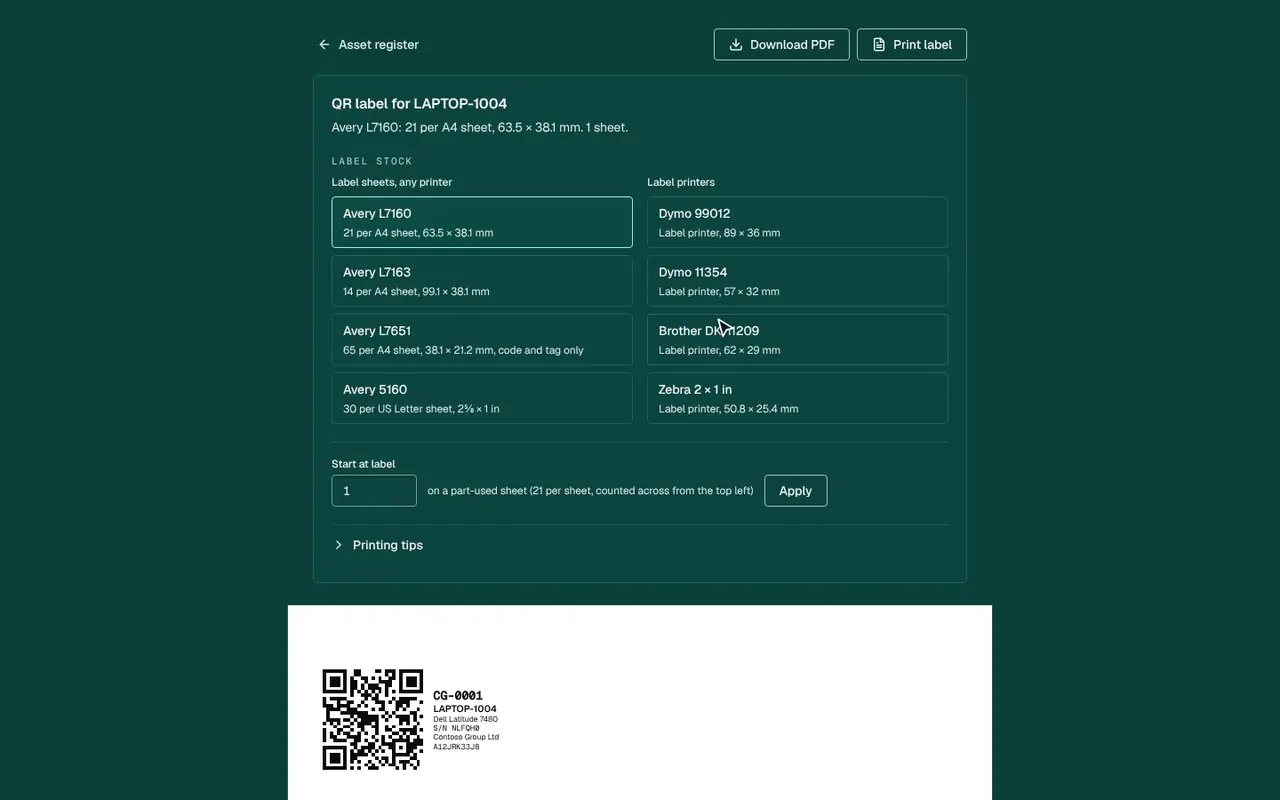
  8. 08LabelsQR labels

A laptop, from record to label · 0:56

Demo data: made-up tenants, nothing is changed.

A laptop, from record to label, from Home to done · 0:56. Demo data: made-up tenants, nothing is changed.

Film 05 of 6Chapter 05 · Licence savings

/homeDemo data

0:00 / 0:42
  1. 01HomeStart from Home
  2. 02Invoice checkLicences › Invoice check
  3. 03Match a lineThe figures recompute
  4. 04Woodgrove’s licencesTenants › Woodgrove Financial › Users & mail › Licences
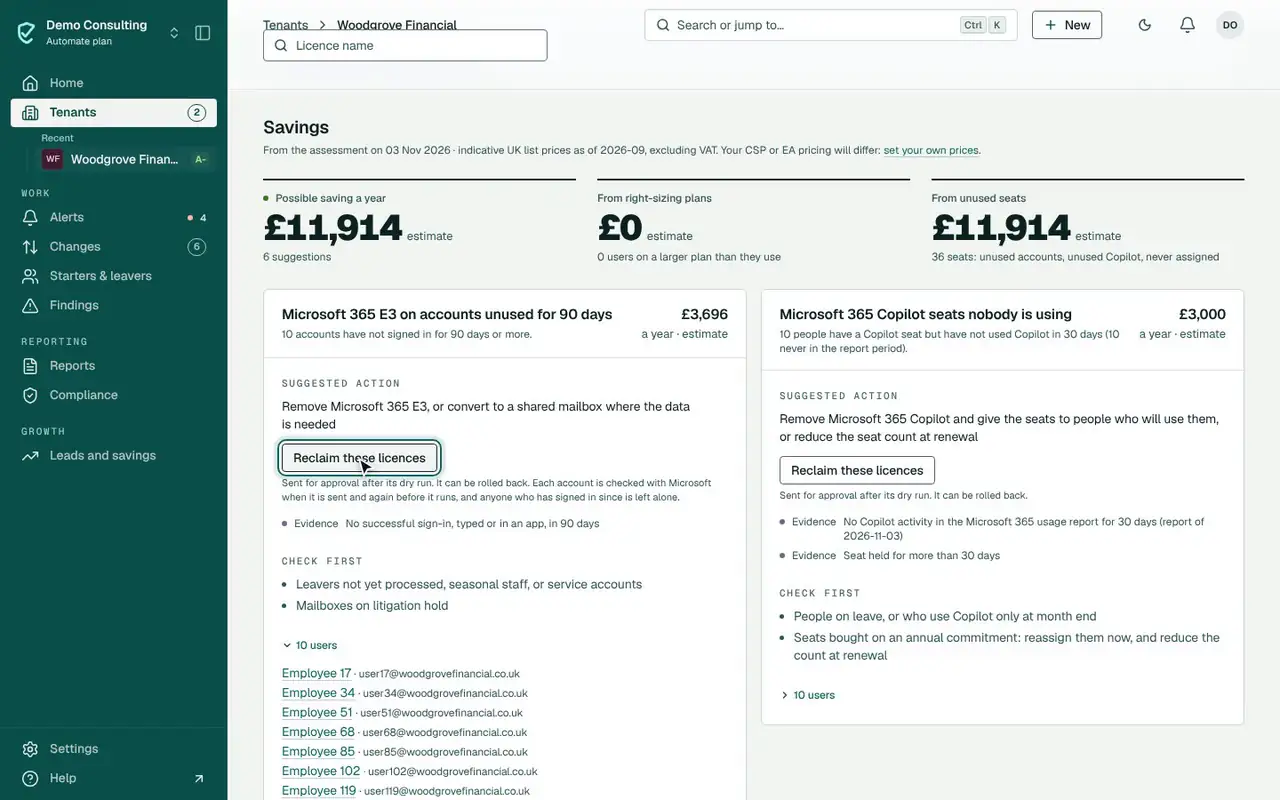
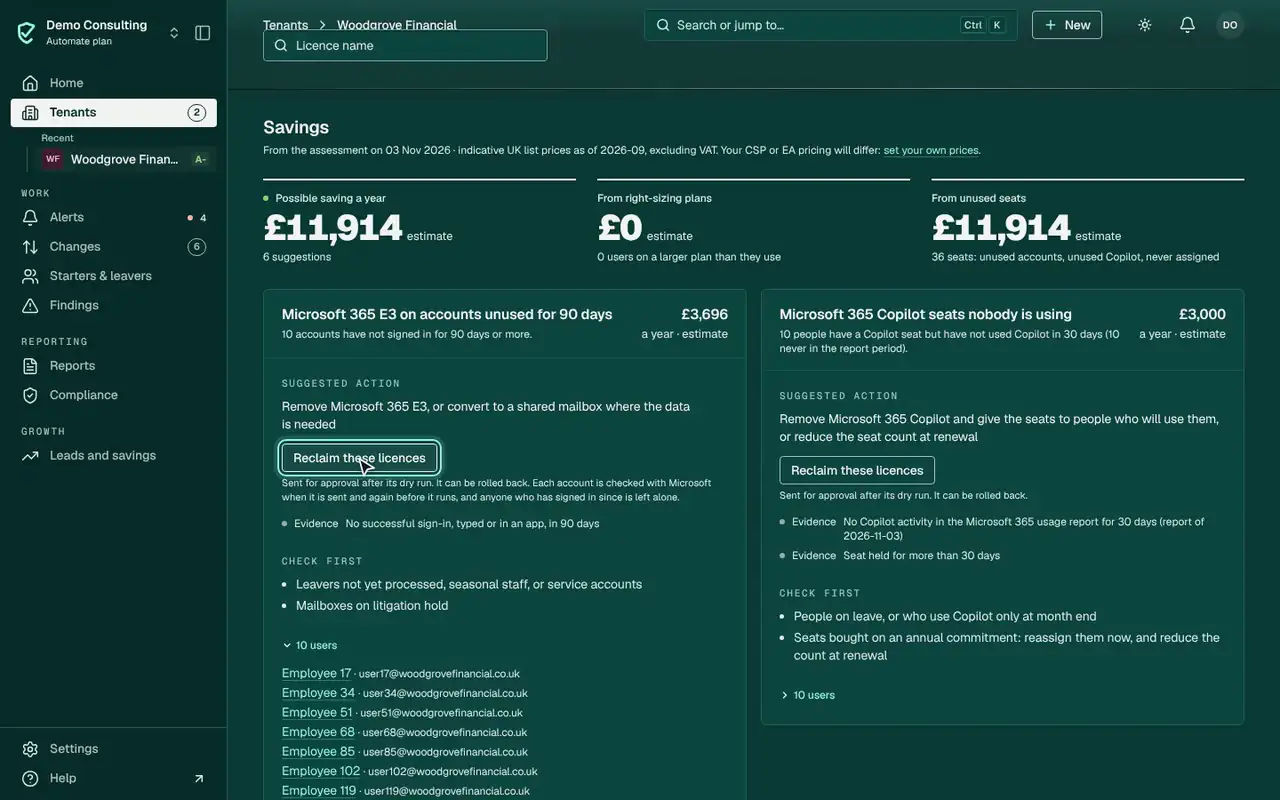
  5. 05The accountsThe ten accounts behind it, unused for 90 days
  6. 06ReclaimReclaim runs as an approved change you can roll back. The demo can’t reach Microsoft, so the film stops here.

Find unused licences and check the invoice · 0:42

Demo data: made-up tenants, nothing is changed.

Find unused licences and check the invoice, from Home to done · 0:42. Demo data: made-up tenants, nothing is changed.

Film 06 of 6Chapter 01 · Automated fixes

/homeDemo data
0:00 / 0:33
  1. 01HomeStart from Home
  2. 02AutomationChanges › Automation
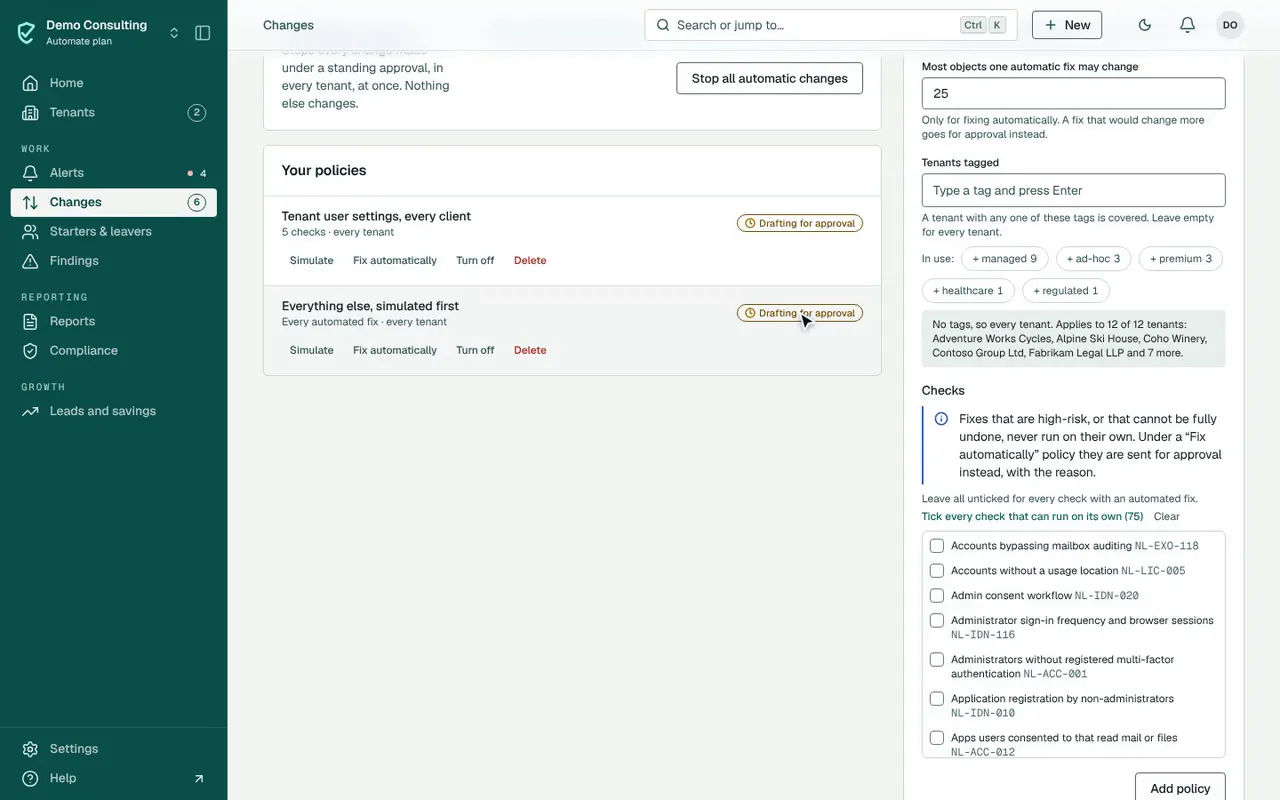
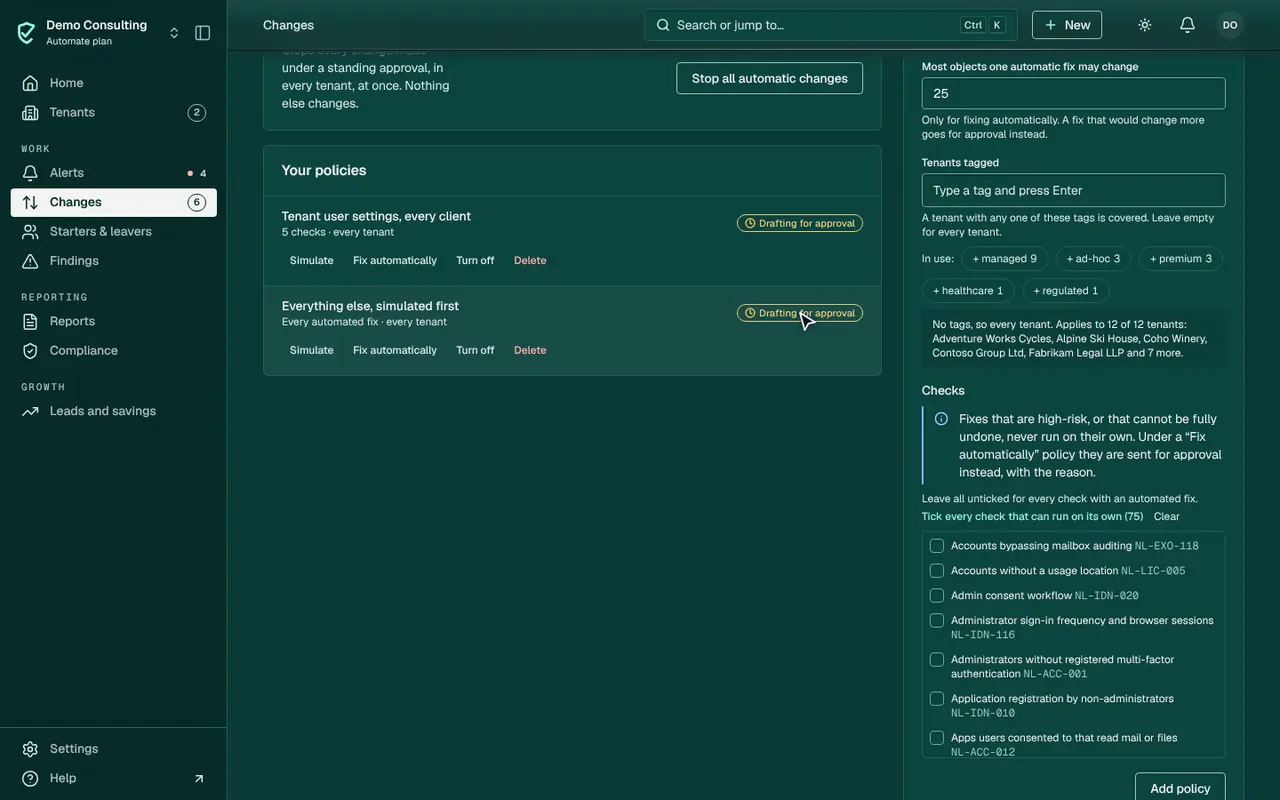
  3. 03The policyEverything else, simulated first
  4. 04DraftDrafted for a person to approve
  5. 05GuardrailsRead the guardrails
  6. 06SavedSaved

Set an automation policy · 0:33

Demo data: made-up tenants, nothing is changed.

Set an automation policy, from Home to done · 0:33. Demo data: made-up tenants, nothing is changed.

The tour on video

Prefer to watch? The product on video.

2:00, with sound and captions. Pick a chapter to jump to the part you care about.

The console

Click through it yourself.

The console with demo data, at your own pace: open a tenant, a finding, a person or a change waiting for approval, and approve it. Nothing you do changes anything.

Interactive demo of the ConfigCheckup console, with demo data: Home. Loading the interactive demo.

ConfigCheckup

Try it with your own data.

Connect one tenant with read-only consent and see your own report when the first assessment finishes. Mail, files and chats are never read.

14 days of daily monitoring and alerts, every finding with its fix guide, and reports on up to 3 tenants, from your first connected tenant. No card. Then choose the plan that fits.