Cyber Essentials
Cyber Essentials evidence from Microsoft 365, for every tenant.
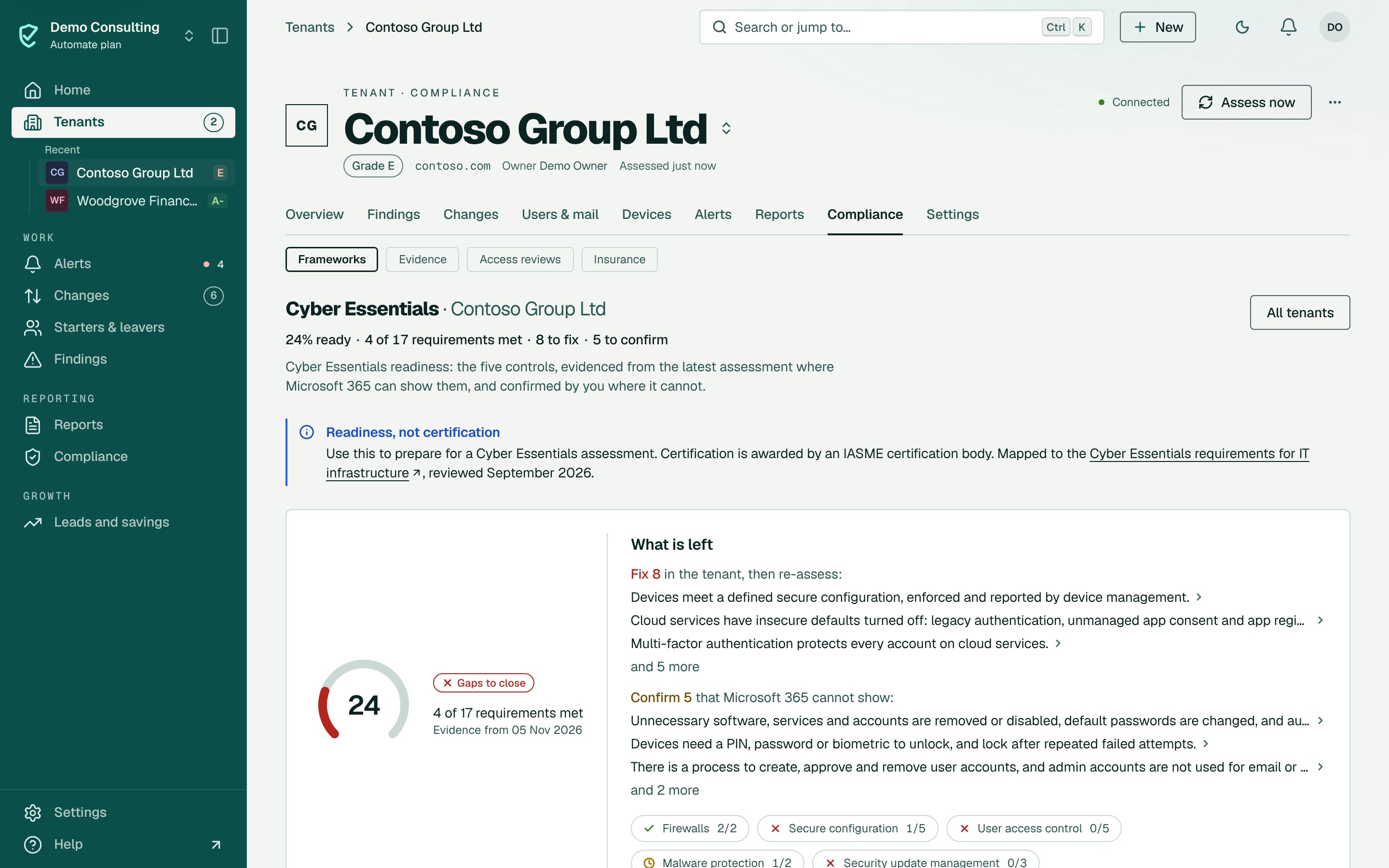
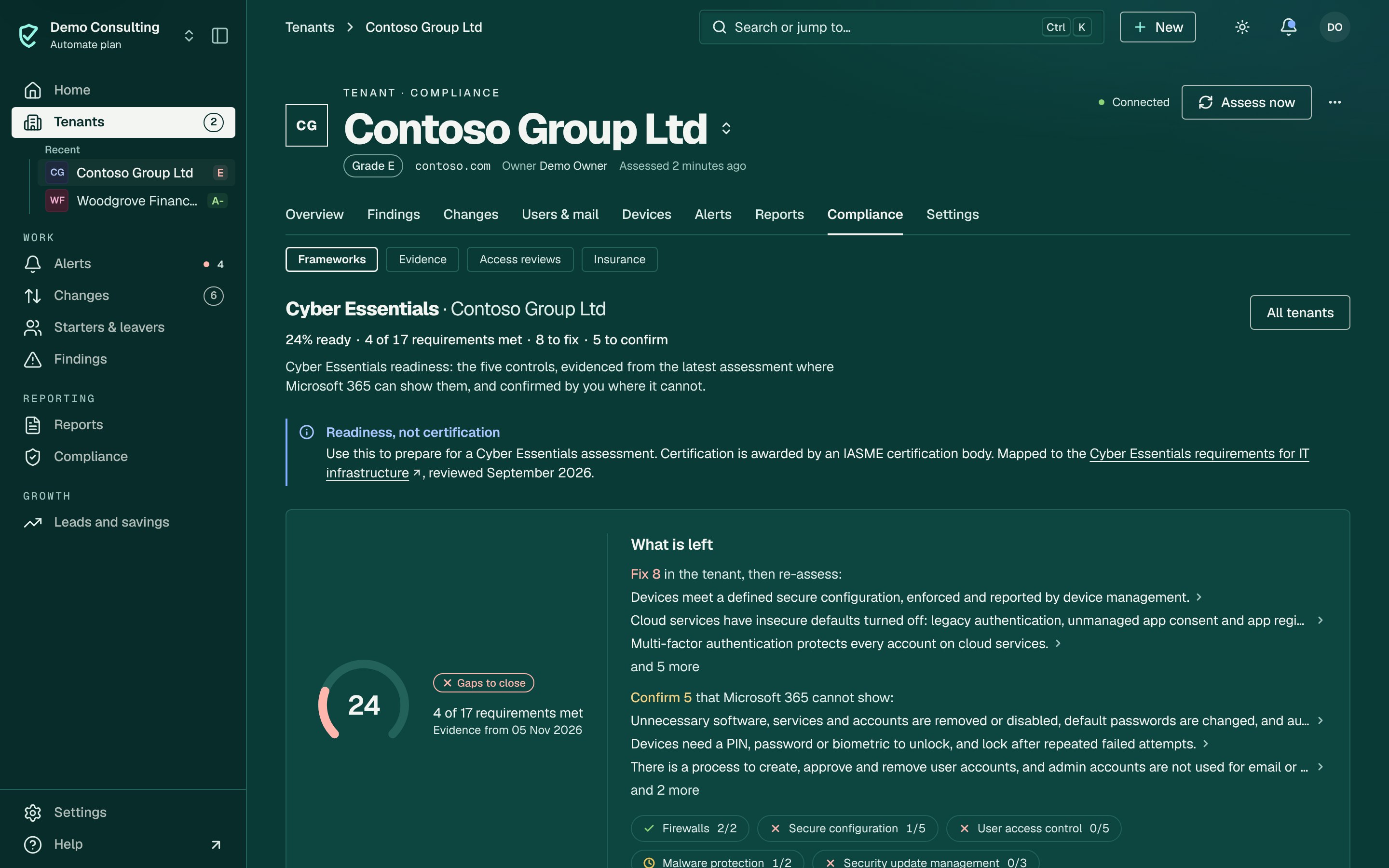
See which Cyber Essentials requirements each tenant already meets, the evidence for each, and what to fix before the assessment.
Why this is hard today
Cyber Essentials asks for evidence across 5 controls, and much of it sits in Microsoft 365. Gathering it client by client, in screenshots and spreadsheets, takes time every year and is easy to get wrong.
How ConfigCheckup solves it
The 5 controls
Firewalls, secure configuration, user access control, malware protection, security update management, requirement by requirement.Evidence, not opinion
8 of the 17 requirements are answered from the tenant, with the setting behind each.Your answers too
Record answers for what Microsoft 365 cannot show, such as boundary firewalls, so the picture is complete.Cyber Essentials Plus
Readiness for the Plus technical audit is mapped too.
Assess
Run the assessment; readiness is worked out from it.
Close the gaps
Fix what fails, and record answers for the rest.
Apply
Take the evidence into the self-assessment with your certification body.
Who is ready, across every tenant


- Pick a framework
- One framework across every tenant
- Every tenant, weakest first
Framework readiness across tenants, with Cyber Essentials Plus chosen: each tenant’s controls met, partly met and not met, weakest first. Demo workspace.
Check it yourself.
- Each requirement Microsoft 365 can show is answered from the tenant, with the setting behind it. Check it: Each requirement Microsoft 365 can show is answered from the tenant, with the setting behind it.
- What Microsoft 365 cannot show, such as boundary firewalls, is left for your answer, never marked as met.
- Readiness is not certification: the page says so, and certification stays with an IASME certification body.
- Try the requirements first with the free checklist, no tenant needed. Check it: Try the requirements first with the free checklist, no tenant needed.
What it can’t see
Said plainly, so you know what you are buying.
- ConfigCheckup is not a certification body and does not award Cyber Essentials.
- Some requirements (boundary firewalls, devices outside Intune, software on servers) cannot be seen from Microsoft 365 and need your answer.
It reads settings and activity records, never content, with permissions your tenant’s admin grants. Every permission and role, and why
Questions.
Will this get my tenant certified?
It shows how ready they are and gives you the evidence. Certification is done by an IASME certification body.
Is there a free tool?
Yes. The free Cyber Essentials checklist on this site walks through the requirements without connecting a tenant.
Plans: Cyber Essentials readiness on every plan.
What each plan includesConfigCheckup
See it on your own tenants.
The findings and figures come from your tenant, not from averages.
14 days of daily monitoring and alerts, every finding with its fix guide, and reports on up to 3 tenants, from your first connected tenant. No card. Then choose the plan that fits.