Chapter 02 · Everyday admin
Everyday admin, with the same care.
New accounts, leavers on their last day, password and MFA resets, groups, shared mailboxes, guests and licences, for one person or many, from one console. Additions run when a named person asks; blocking, resets, leavers and licences taken back go to an approver.
Every change has a person’s name against it, and every one is dry-run first.
Everyday admin comes with Automate
14 days of daily monitoring and alerts, every finding with its fix guide, and reports on up to 3 tenants, from your first connected tenant. No card. Then choose the plan that fits.
The trial watches and reports; fixes and everyday admin come with Automate. Watch it on the films page
Who signs
- New starter
- Runs when a named person asks; can be undone
- Leaver, password reset, MFA reset
- One or two approvers, as set for the client; two if it touches an admin
- Shared mailbox access
- Give mailbox access: Runs when a named person asks; can be undone, by who asked within 30 minutes; two approvers if it touches an admin
- Remove mailbox access: Runs when a named person asks; can be undone; more than one person at once goes to an approver
- Licences
- Give licences: Runs when a named person asks; can be undone, by who asked within 30 minutes
- Remove licences from accounts: Two approvers, or the workspace’s only Admin
A leaver
One leaver, one change.
The leaver’s form offers 13 steps. For Woodgrove Financial it ticks 8 of them for you, and greys out the 4 that need a permission Woodgrove Financial has not given. Untick one and its row changes; the receipt adds up who signs, when it runs and what it frees.
Watch it done in the console · 0:53
The same leaver in the console, step by step
01On People, open the person and choose Offboard as a leaver. Tick the steps, choose their last day and who takes over.
/c/woodgrove-financial › Users & mail › People › Offboard as a leaverDemo data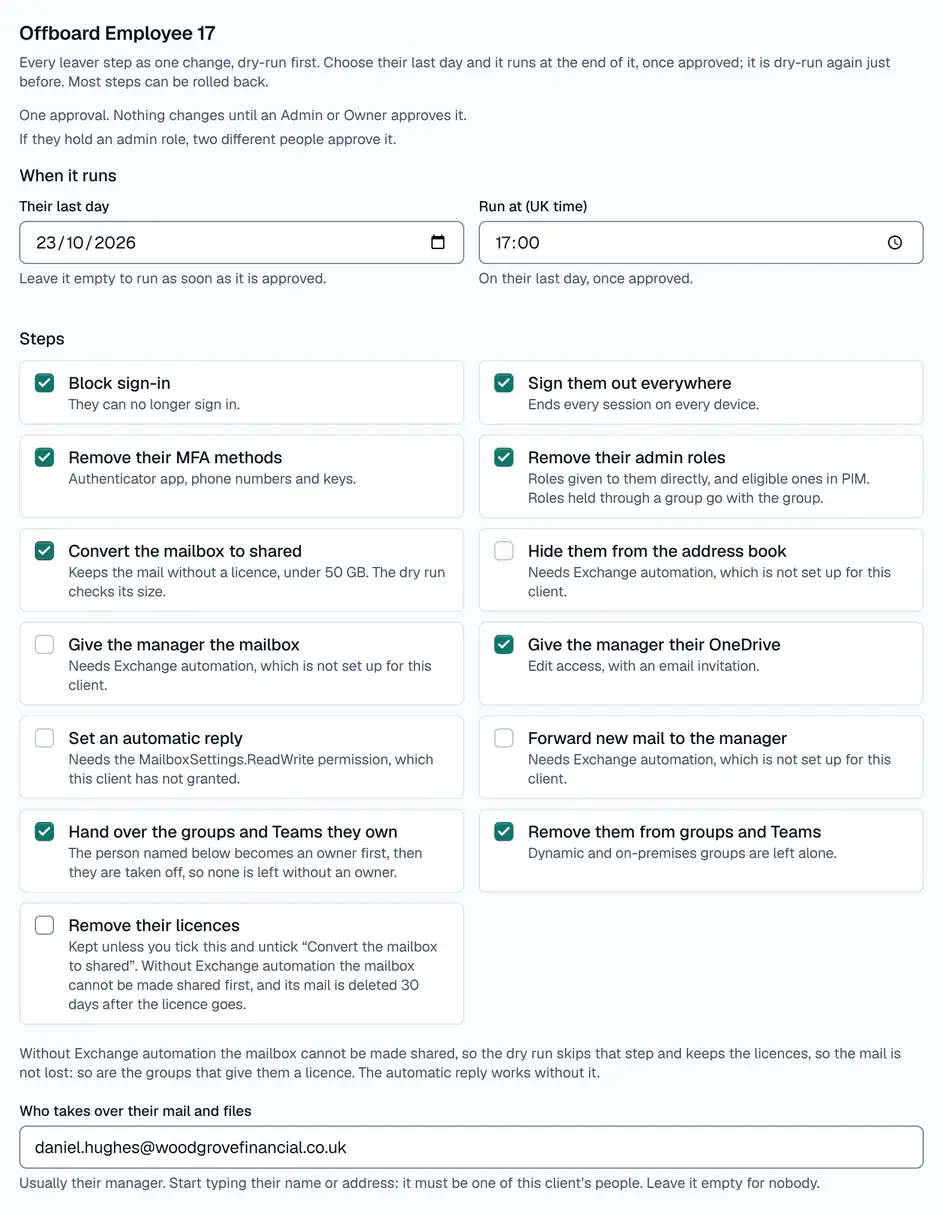
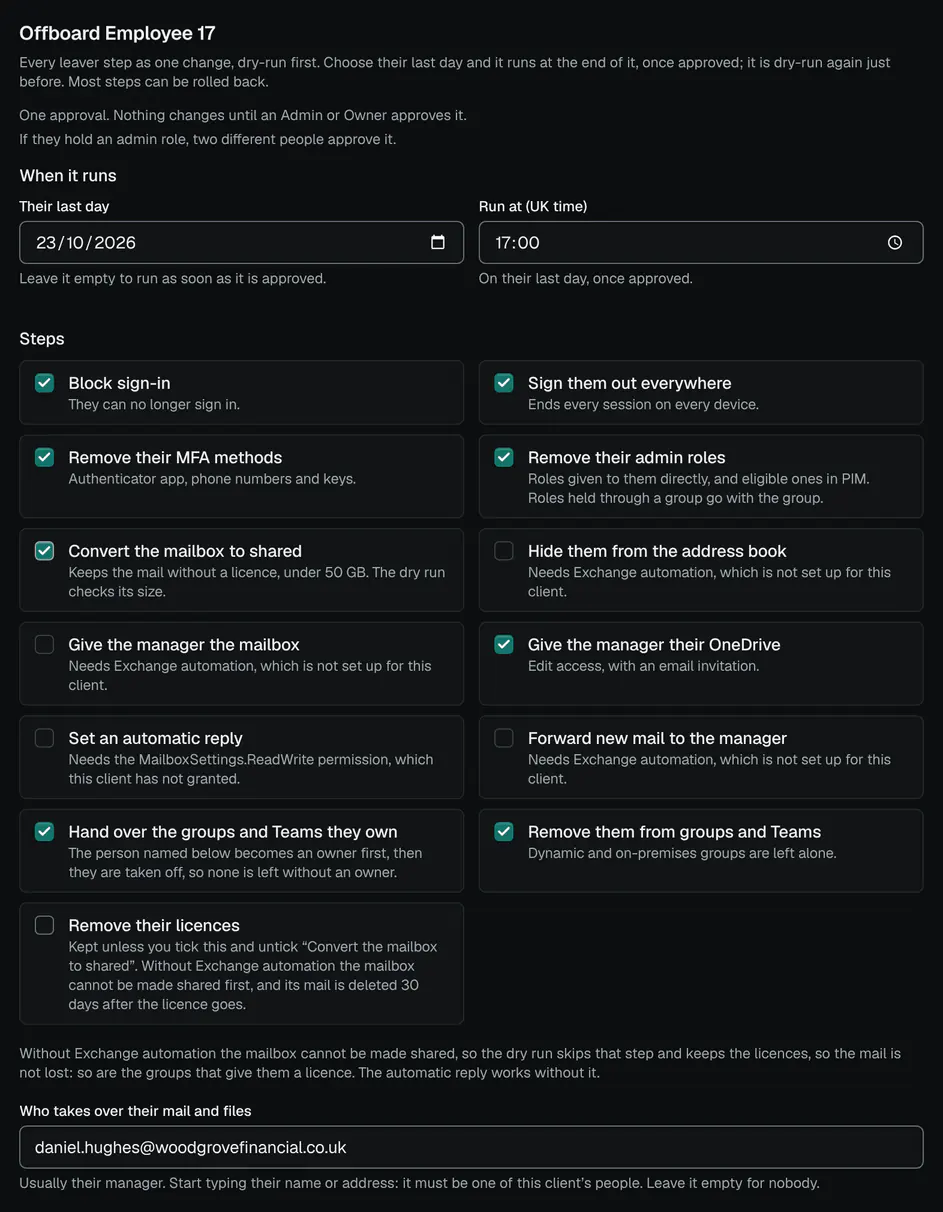
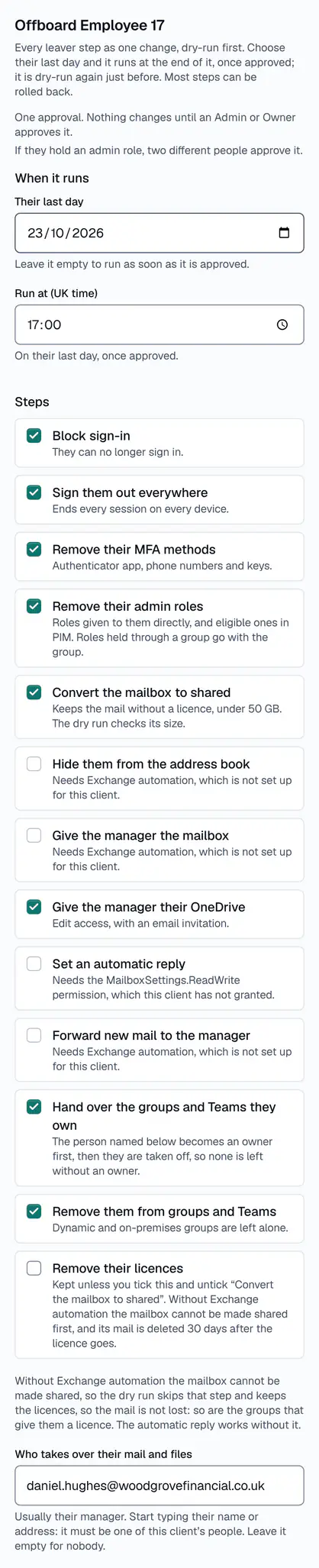
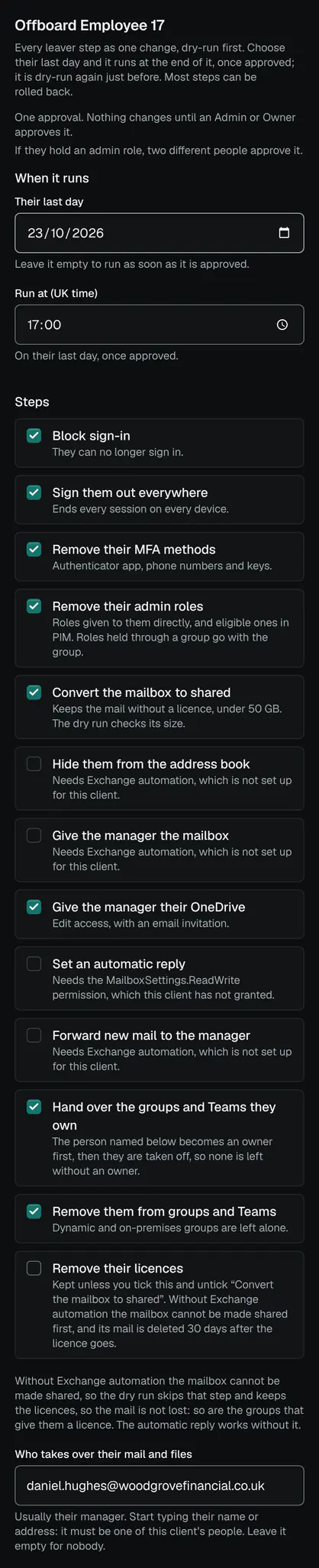
One change, with the steps ticked. - Their last day: it runs at the end of it
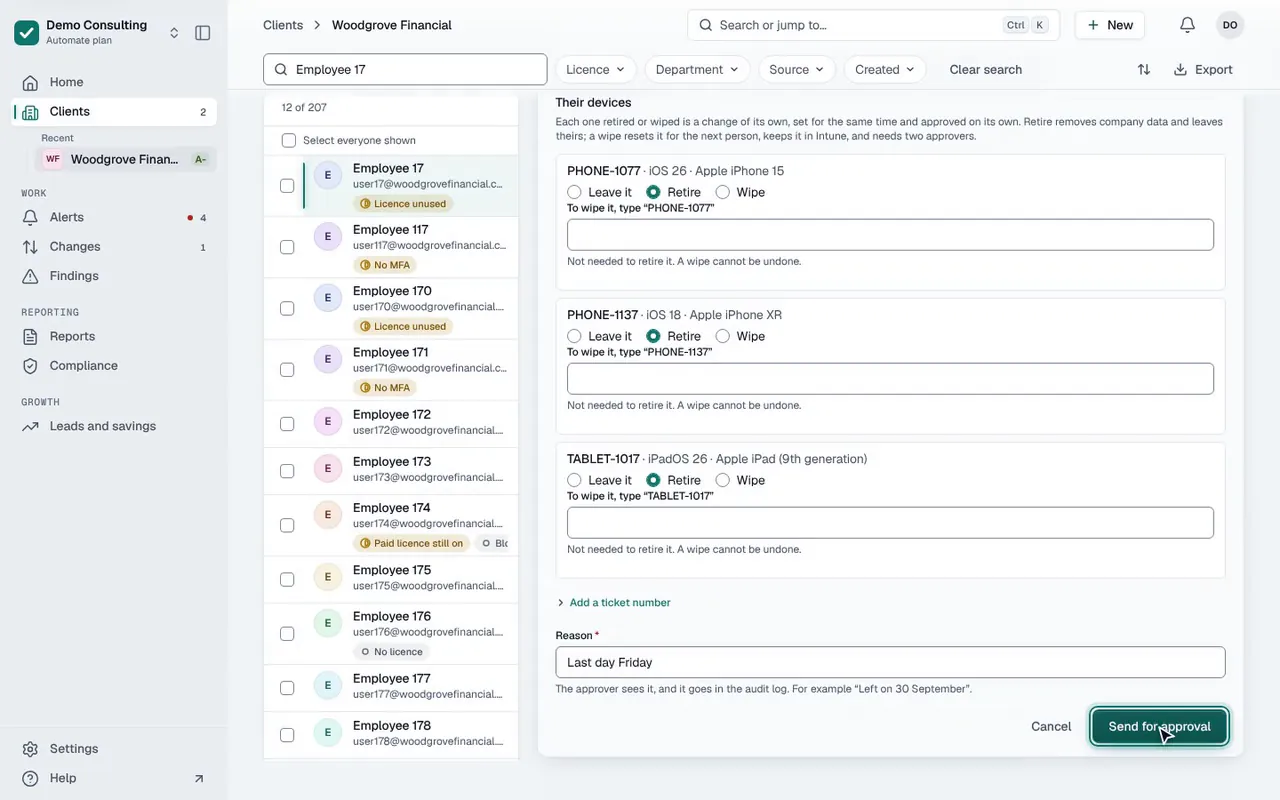
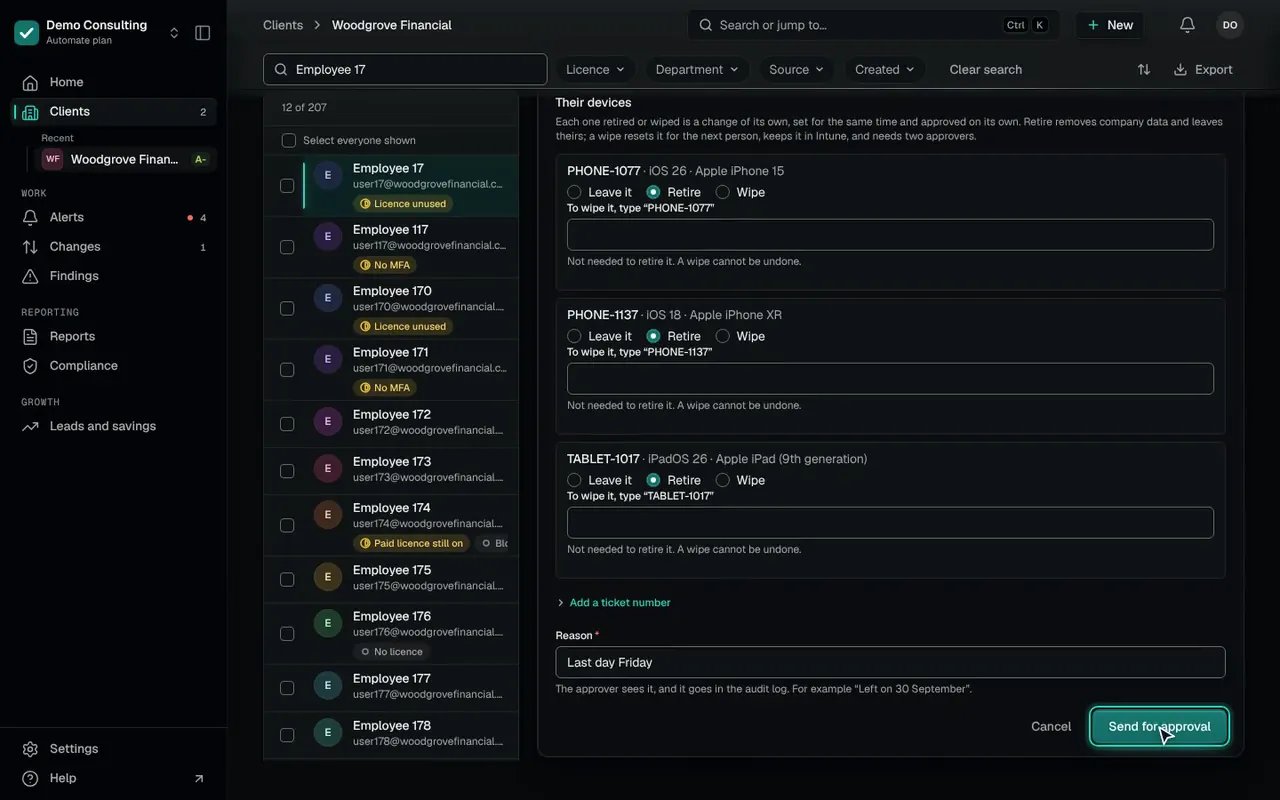
02For each device, leave it, retire it or wipe it; then send the change for approval.
/c/woodgrove-financial › Users & mail › People › Offboard as a leaverDemo data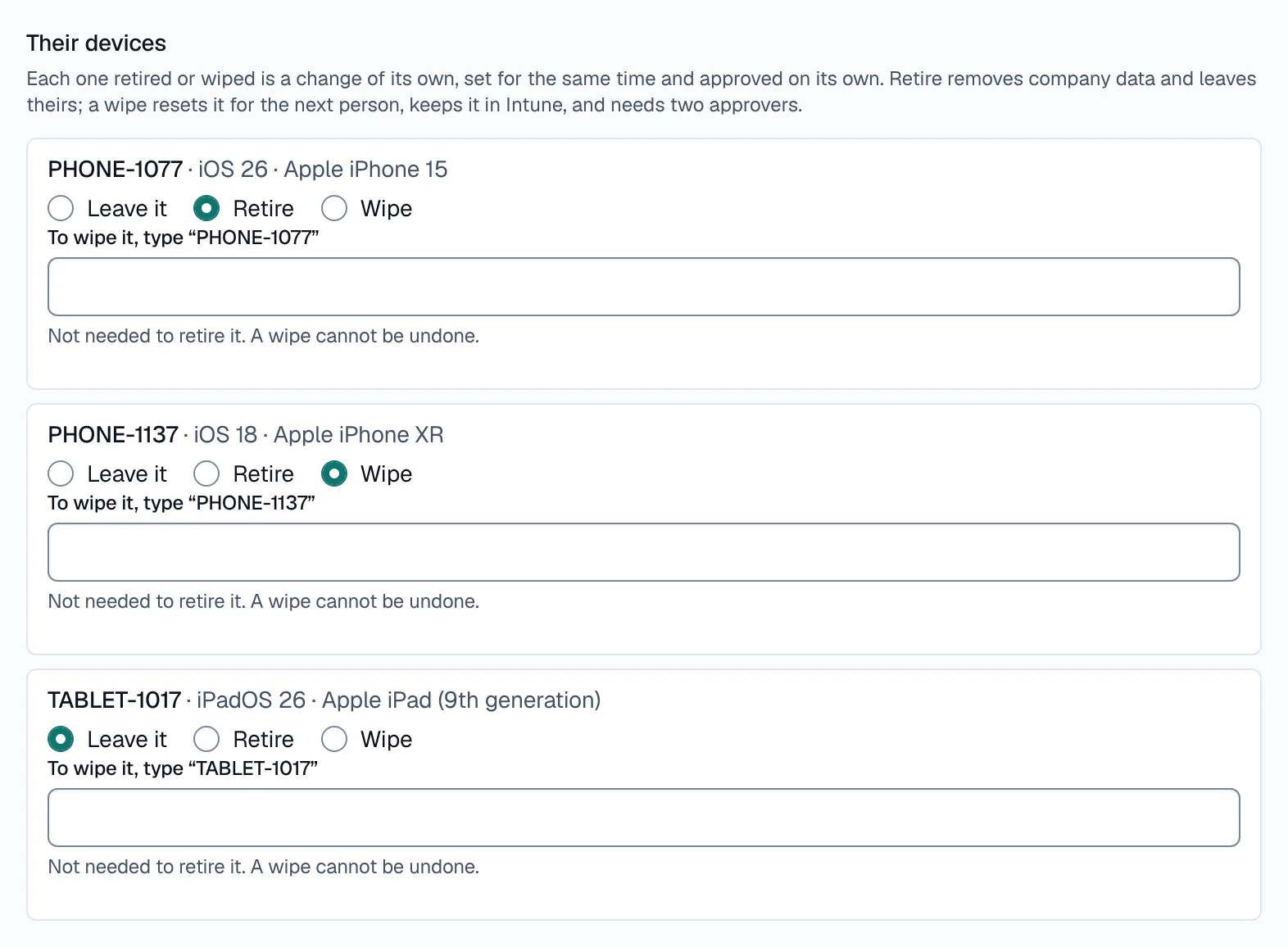
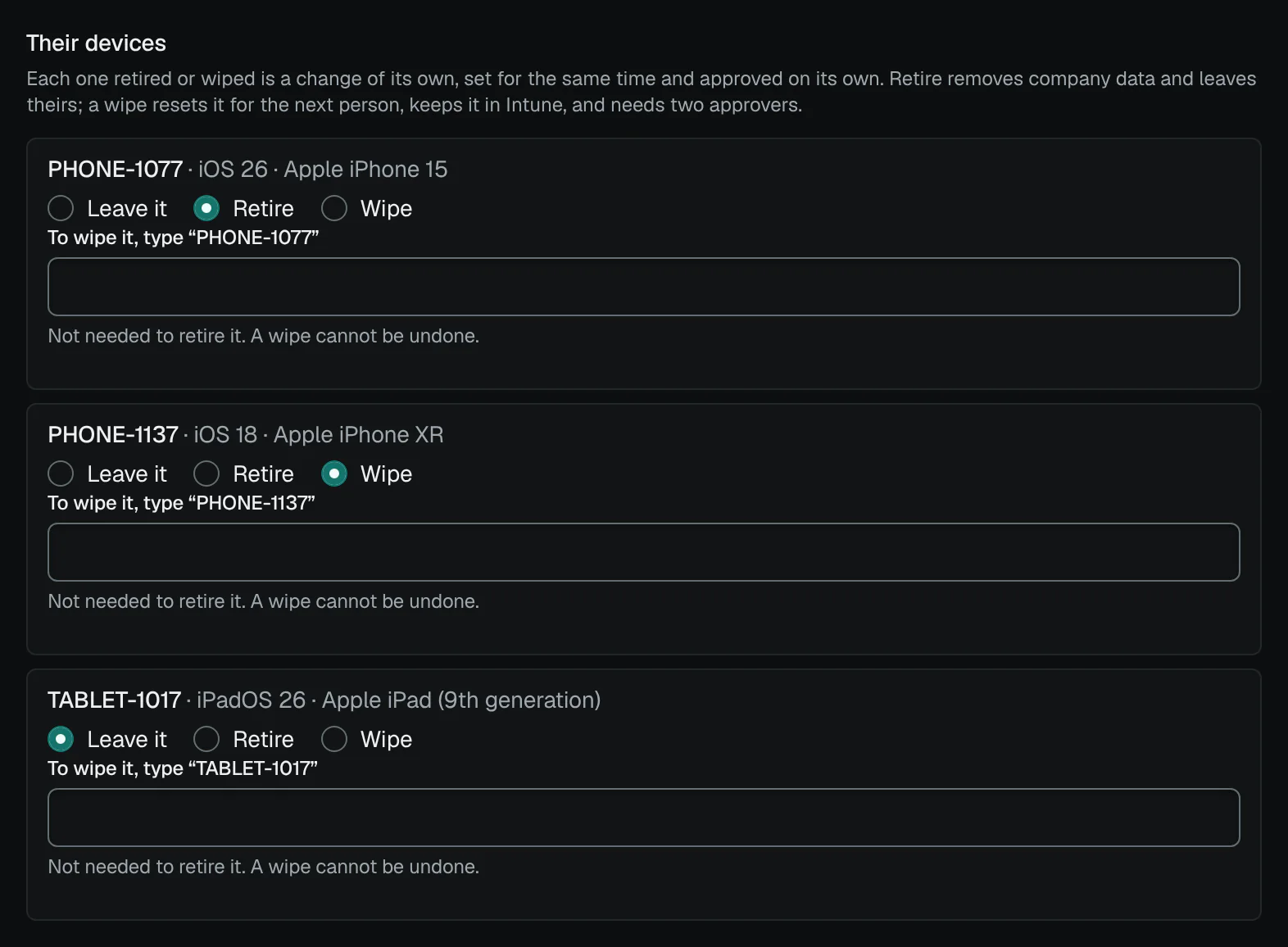
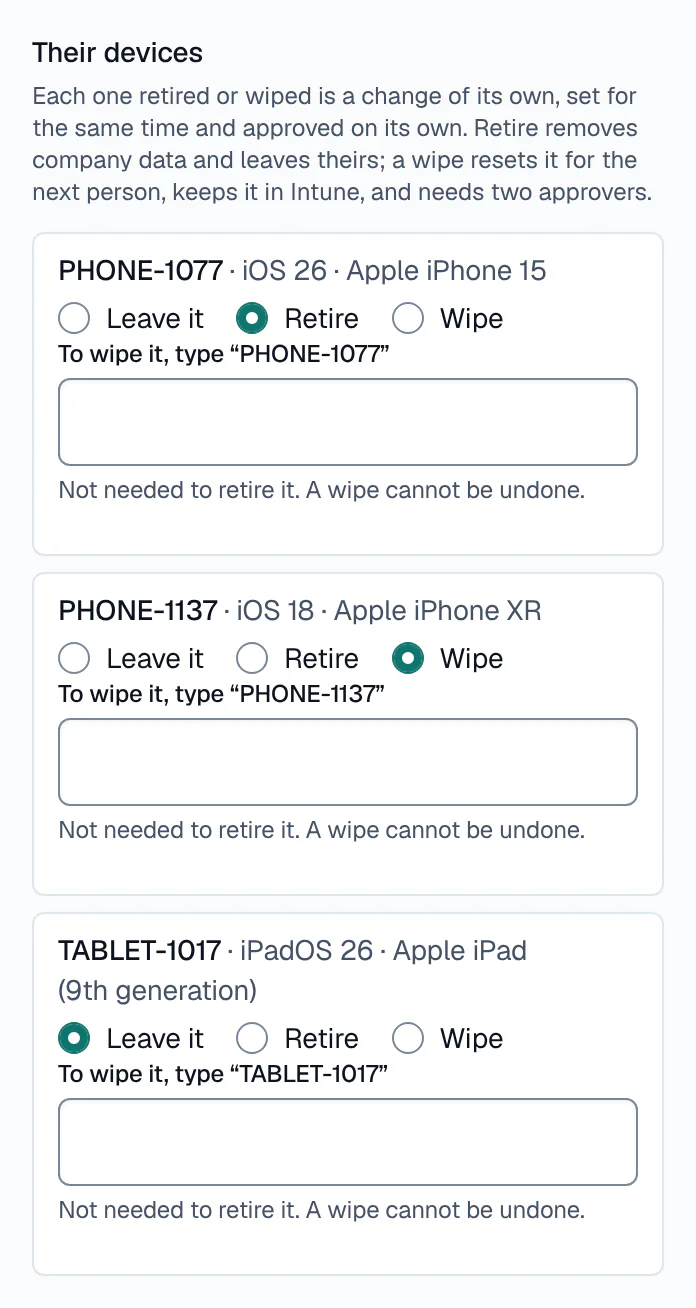
Their devices: retire, or wipe with two approvers. - Retire: company data removed, theirs left
- Wipe: the device’s name typed, two approvers
- Each device is a change of its own
Employee 17 · a demo staff member in Operations · Woodgrove Financial
One change, 8 steps, dry-run first
- Who signs
- One or two approvers, as set for the client; two if it touches an admin
- Runs
- At 17:00 on their last day, in the client’s time zoneyour time zoneyour time zone
- Licences freed
- None: their licences stay
- Devices
- Left as they are
Most steps can be rolled back, to exactly what was there before; signing out and removing MFA methods cannot.
From first day to disposal
A seat’s life.
One person’s seat at a client, stop by stop: each happens on its own screen, and each change has a person’s name against it.
01. Starts
Users & mail › People › New user
A new account with its licences and groups, and the access of a colleague copied if you choose. It only adds, so it runs when a named person asks.
/c/woodgrove-financial › Users & mail › People › New userDemo data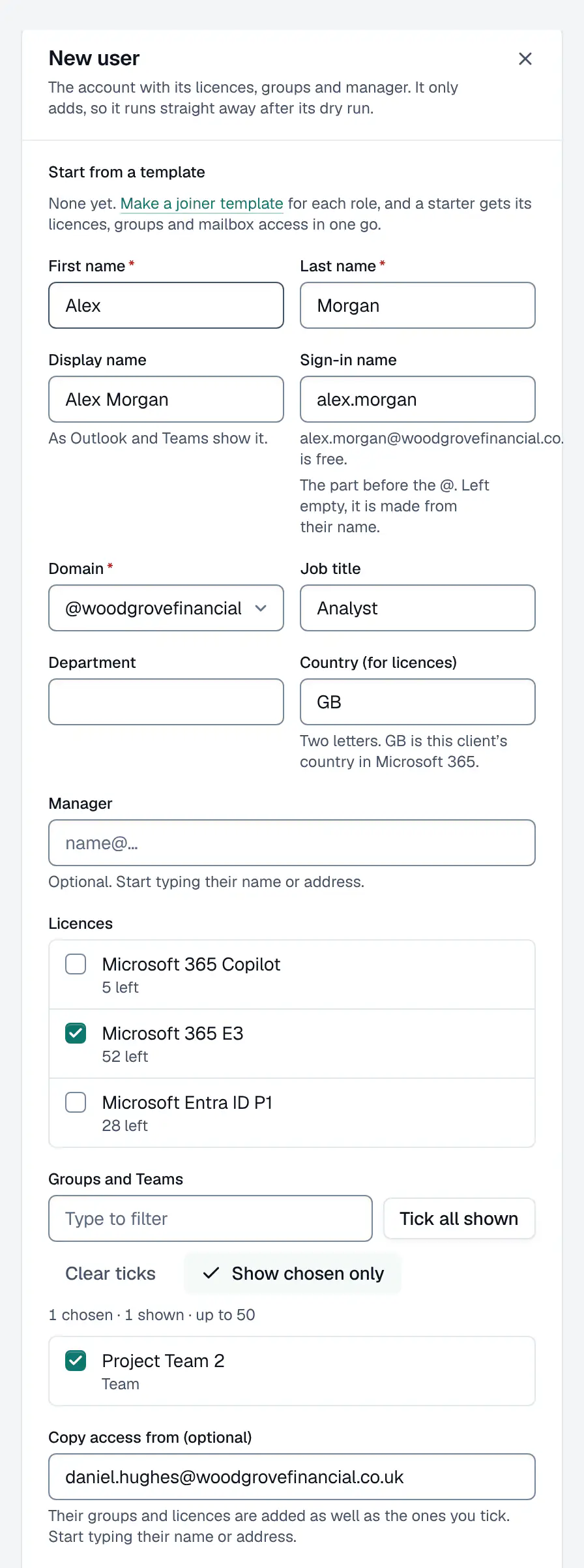
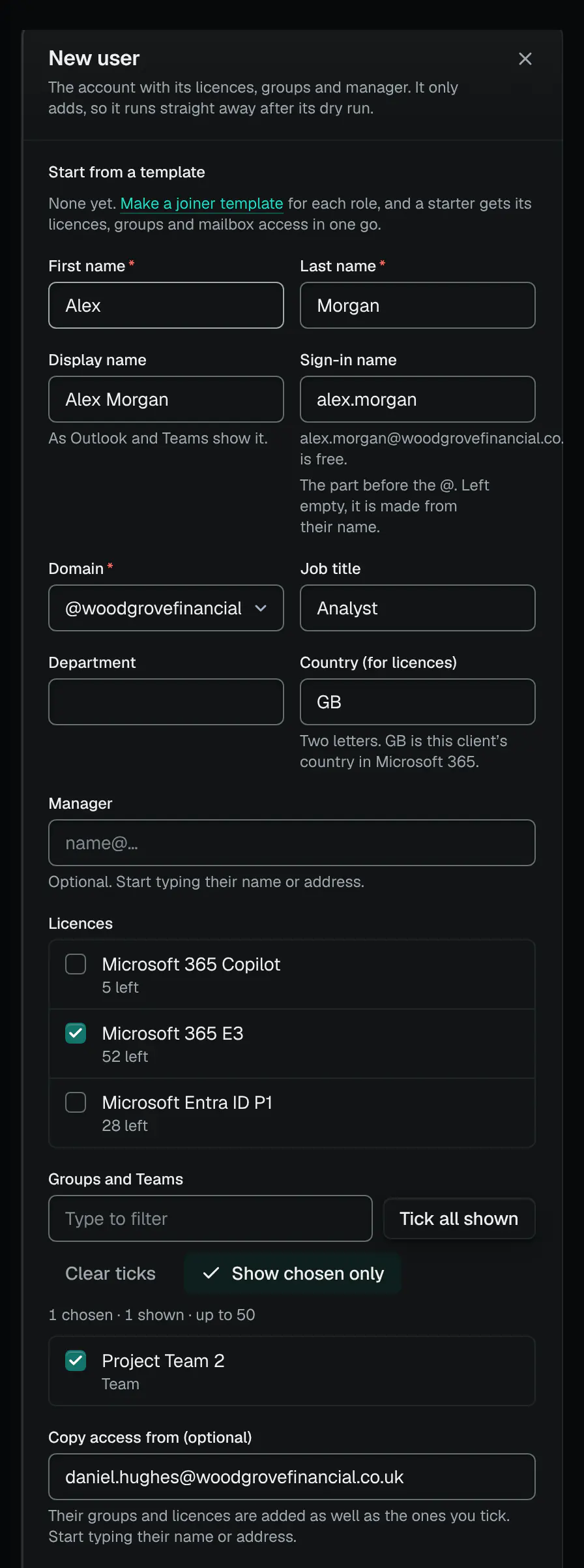
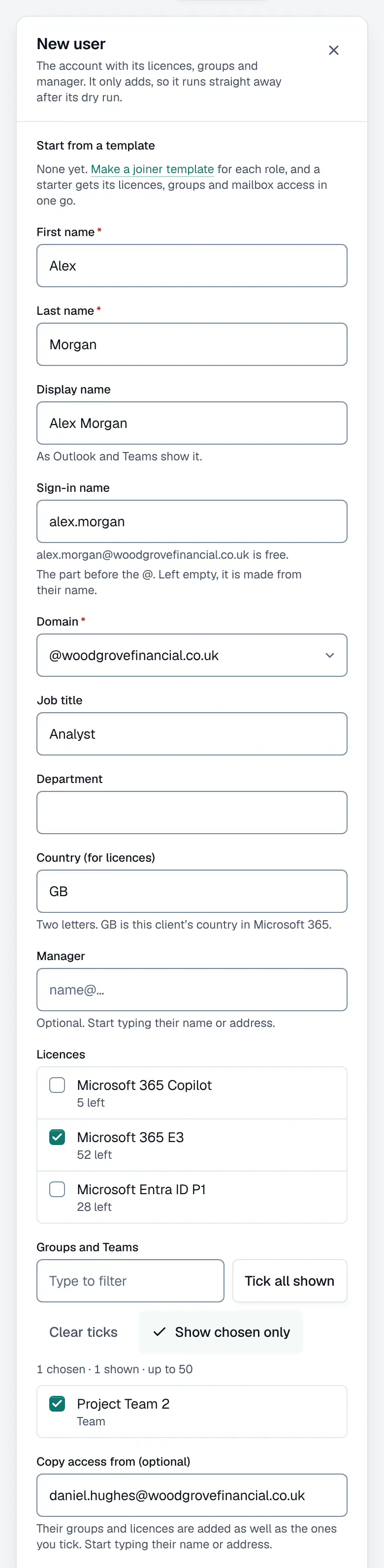
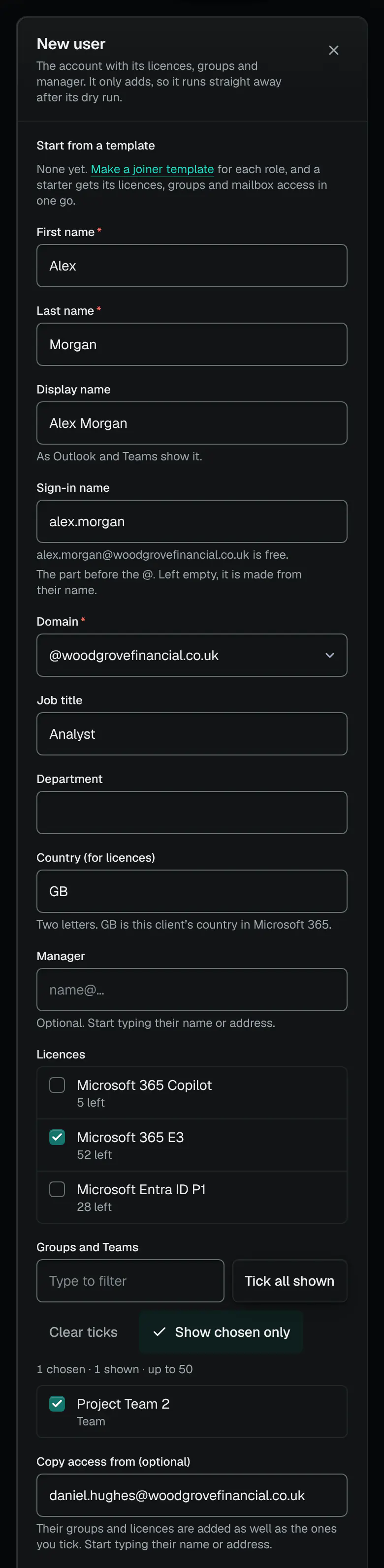
A new starter, with access copied from a colleague. 02. A laptop on the register
Devices › Asset register
Their laptop goes on the asset register with its tag, and a QR label to print. Warranty look-ups by serial number are in beta.
/print/asset-labels › Contoso Group LtdDemo data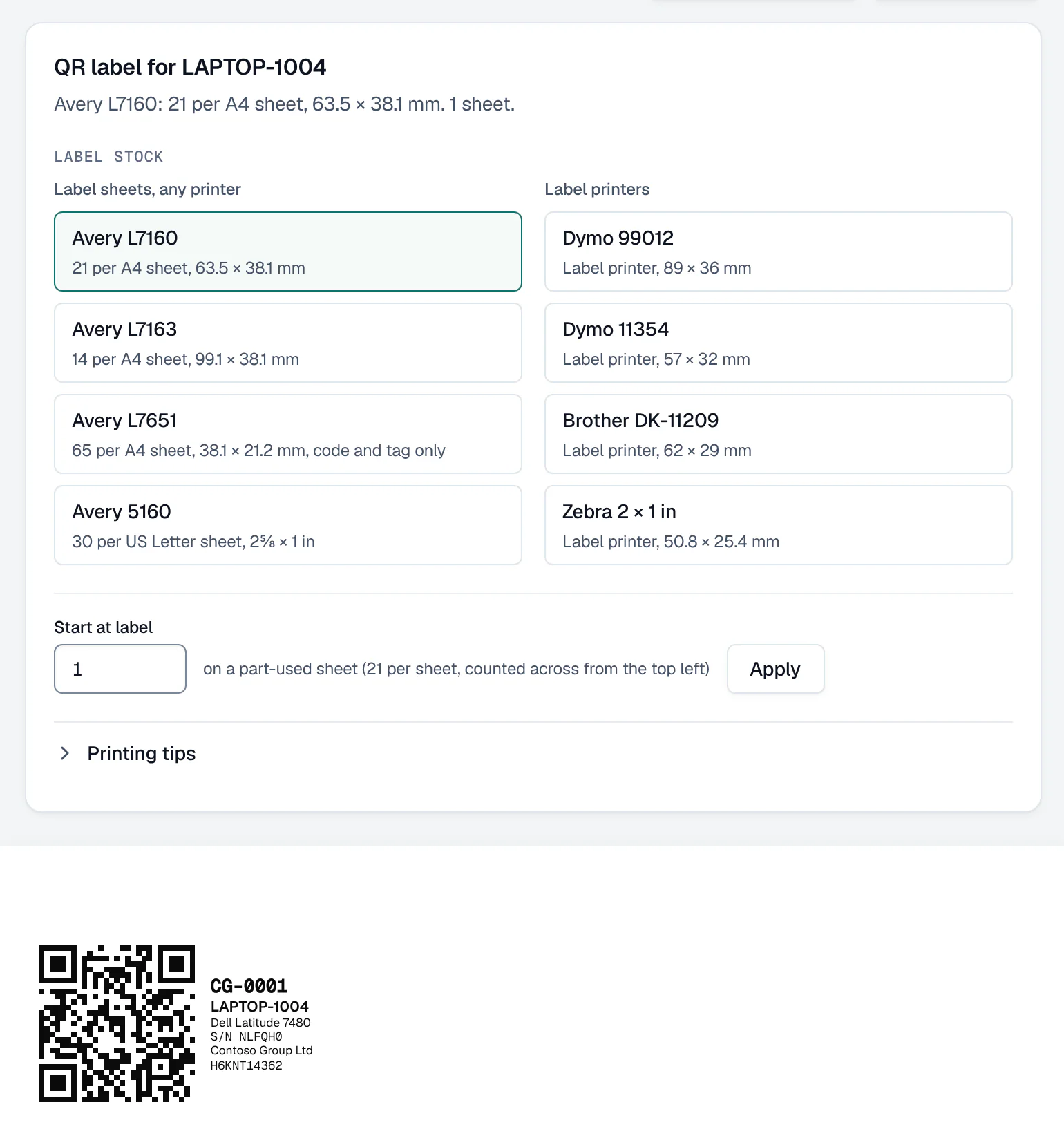
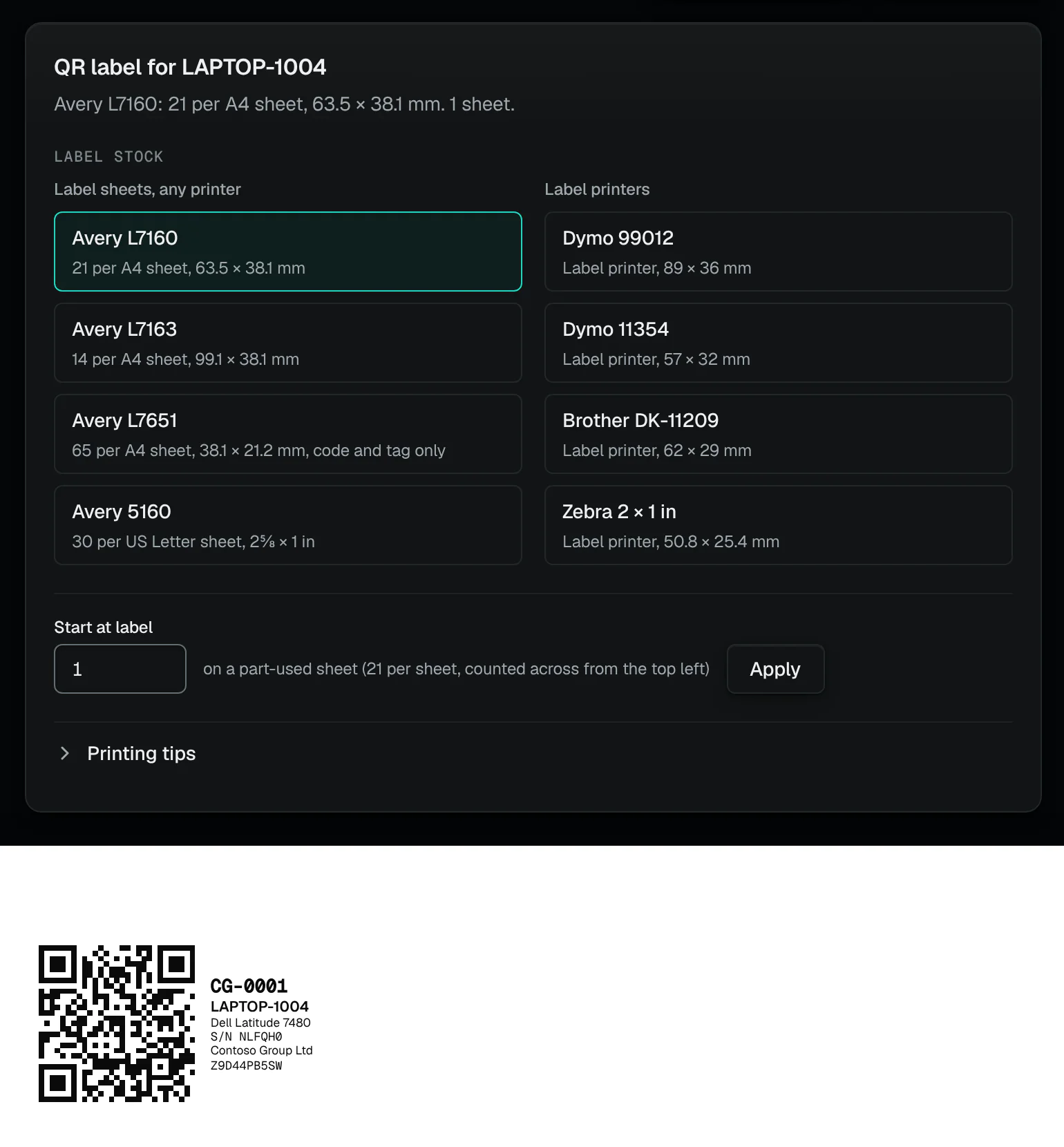
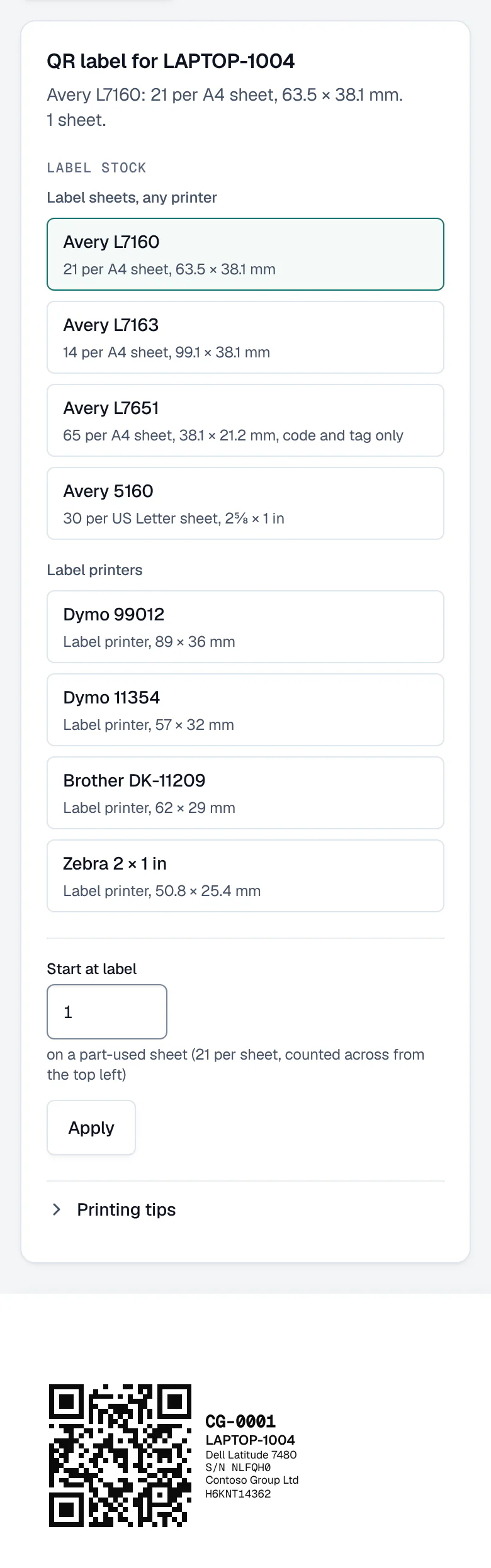
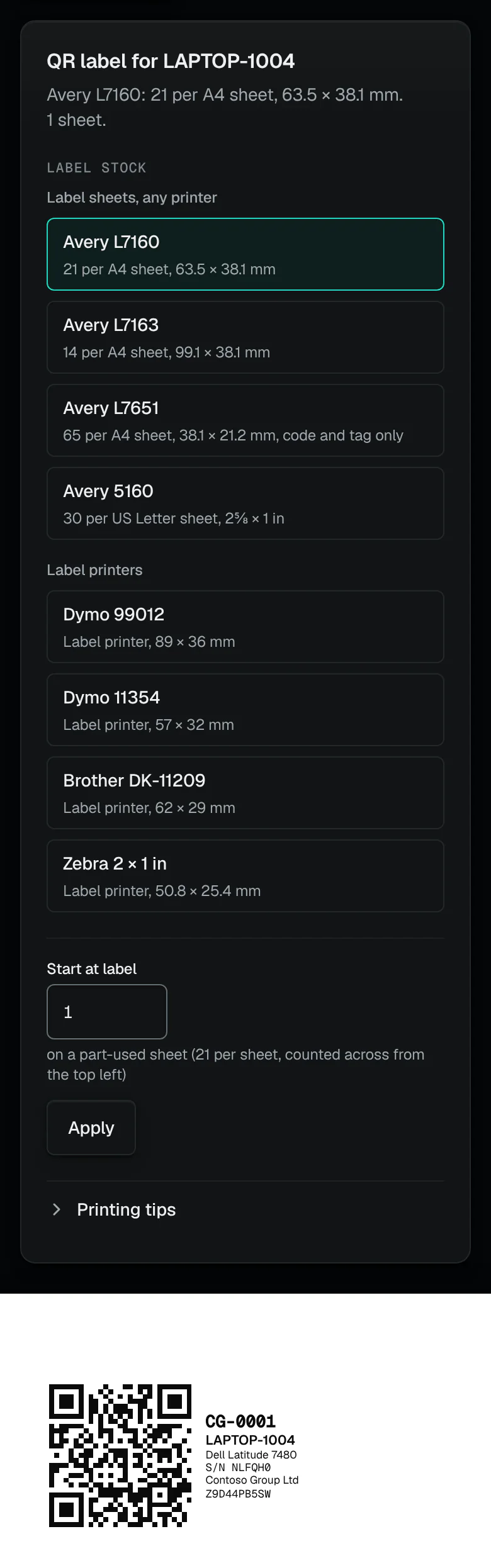
A QR label for the register: its code, tag and serial number. 03. A password reset
Users & mail › People › Reset password
It goes to an approver, two if they are an admin. The password is shown once, to the approver who runs it, in the console; it is never emailed or stored.
04. An odd sign-in
Alerts
A sign-in that looks like a takeover raises an alert. Contain this account blocks sign-in, signs it out everywhere and turns off inbox rules that send mail outside, as one approved change.
/alertsDemo data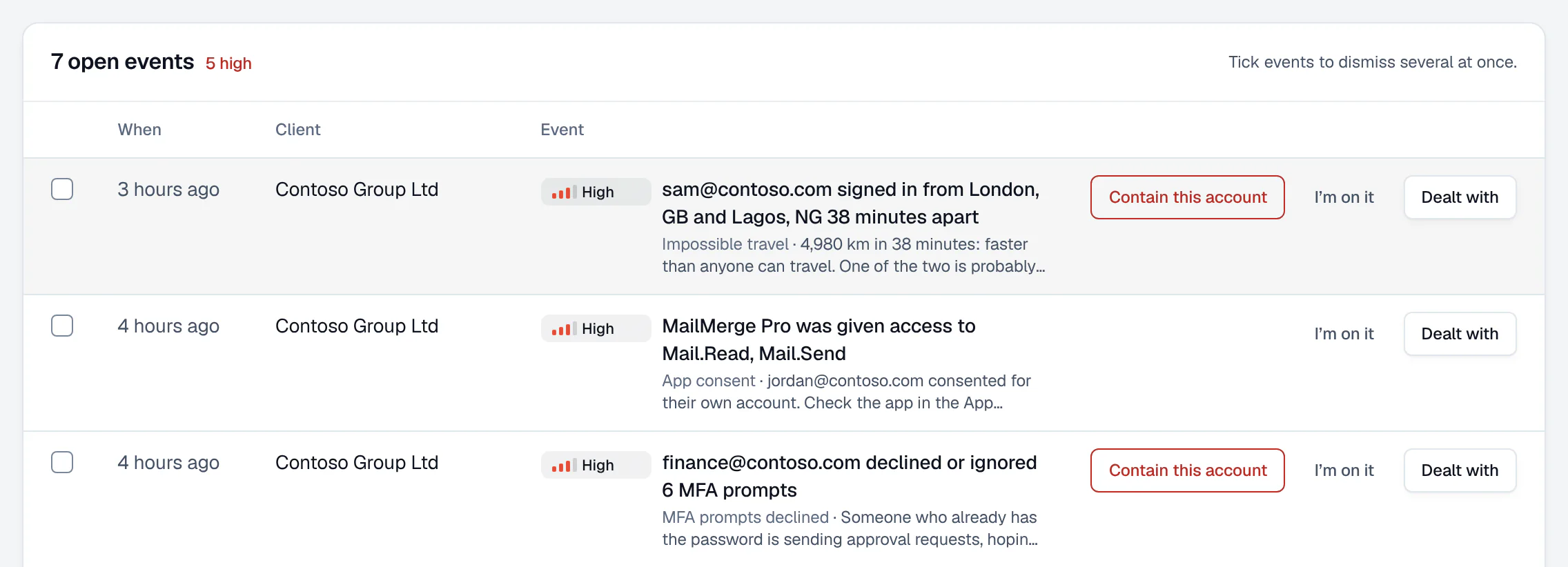
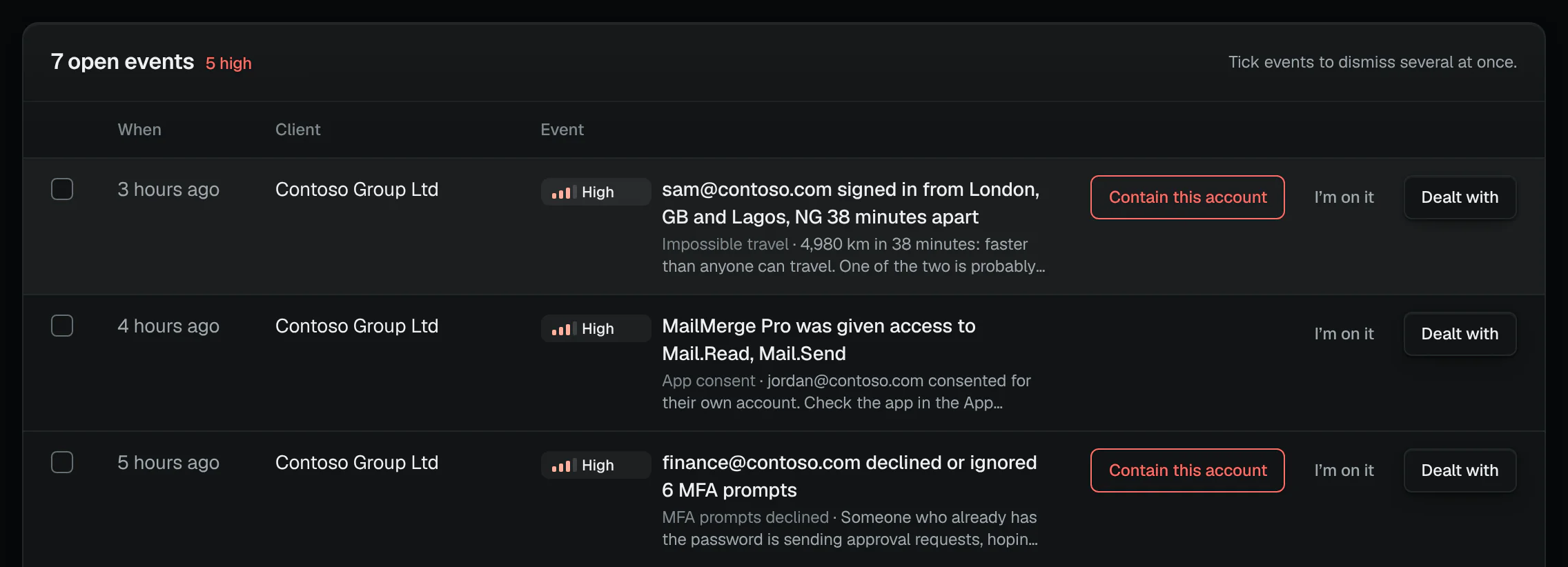
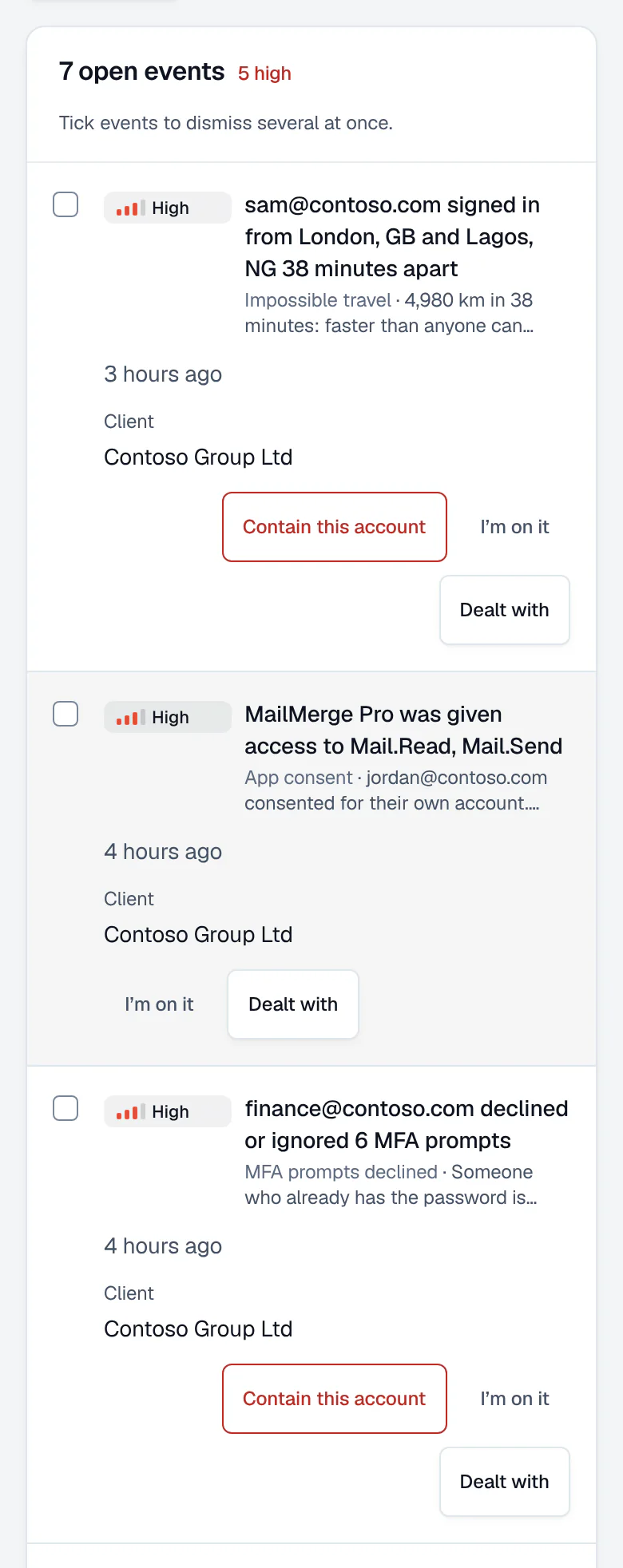
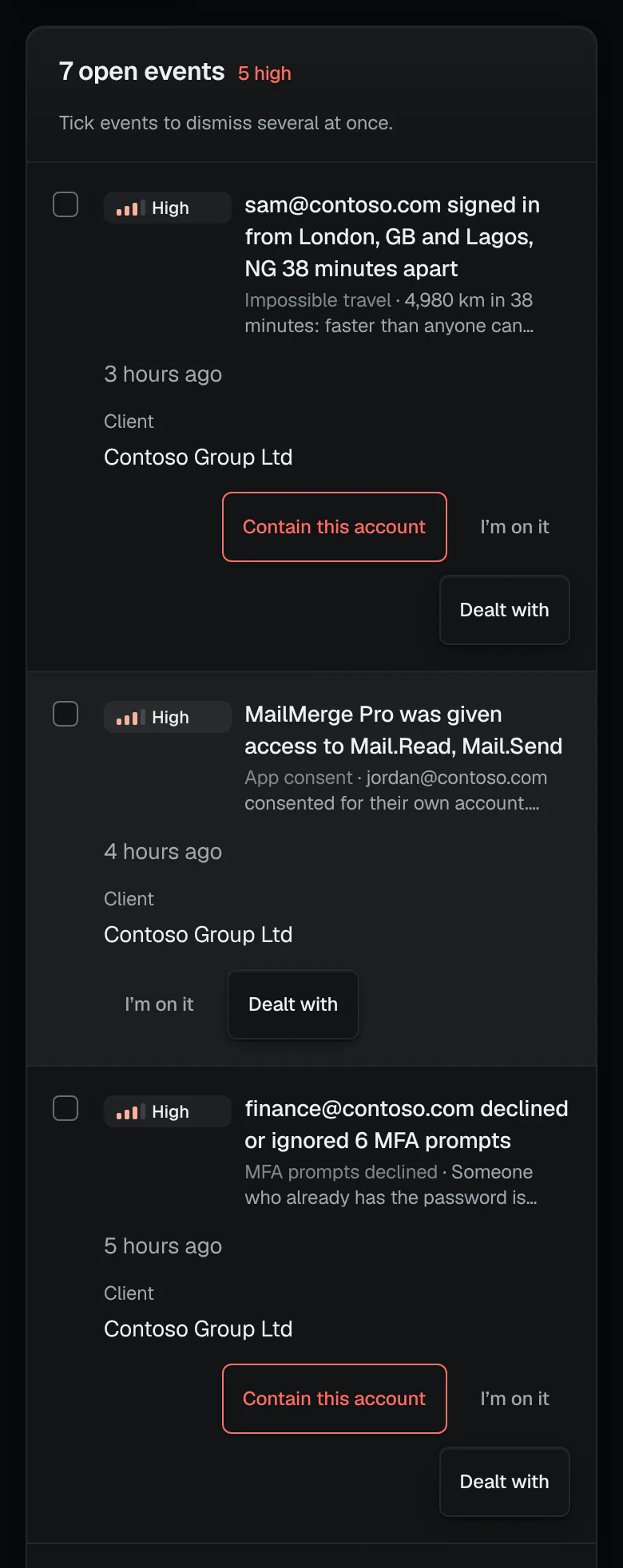
An alert in plain words: two sign-ins too far apart to travel. 05. Leaves on a date
Users & mail › People › Offboard as a leaver
Choose their last day: once approved, the change runs at 17:00 that day in the client’s time zone, dry-run again just before. Their manager gets the mailbox and the OneDrive. Pictured step by step ↑
06. The licence comes back
Users & mail › Licences
The offboarding frees their licences. A licence taken back with Remove licences from accounts goes on the savings record once that change runs, at your price on the day.
07. The laptop is retired or wiped
Offboard as a leaver › Their devices
Each device is a change of its own: retired, which removes company data and leaves theirs, or wiped for the next person, with two approvers and its name typed. Shown in the film ↑
08. Disposed of
Devices › Asset register
When it leaves the business the register keeps the date, its certificate and how it went: recycled (WEEE), resold, returned to the supplier or lessor, or destroyed.
Everyday jobs
The everyday jobs, and who signs each.
The jobs on Users & mail, grouped as the console groups them, with the kinds of change each is made of. Who signs each is read from the product’s own rules.
29everyday jobs on Users & mail, each in the list below
Many at once
Each limit is the product’s own, so a big job is split the same way every time.
- Starters
- A spreadsheet of up to 500 people, made 25 to a change, each change with its own dry run
- Leavers
- Up to 20 ticked on People at once, one change each; leavers raised together need two different approvers
- Class password resets
- Up to 30 pupils in one change; only accounts that hold student licences alone and no admin role
- Everyone else ticked
- Up to 200 people at once for a licence, a group, blocking or signing out
- Full device wipes
- At most 5 an hour in a workspace, unless an Owner overrides
Who signs, in short
Every kind of change in the list carries one of these tags.
- Asks · undo
- Runs when a named person asks; can be undone.
- Asks · undo by who asked, 30 min
- Runs when a named person asks; can be undone, by who asked within 30 minutes.
- Asks · undo · several: approver
- Runs when a named person asks; can be undone; more than one person at once goes to an approver.
- Asks · undo by who asked, 30 min · admin: two
- Runs when a named person asks; can be undone, by who asked within 30 minutes; two approvers if it touches an admin.
- Asks · undo · admin: two
- Runs when a named person asks; can be undone; two approvers if it touches an admin.
- One or two · admin: two
- One or two approvers, as set for the client; two if it touches an admin.
- One or two
- One or two approvers, as set for the client.
- Two, or the only Admin
- Two approvers, or the workspace’s only Admin.
- Always two
- Always two approvers.
29 jobs
PeopleUsers & mail › People
New starter
- Create user accountsRuns when a named person asks; can be undone
- Set up a new starter like an existing personRuns when a named person asks; can be undone, by who asked within 30 minutes
Leaver · Offboard a leaver
One or two approvers, as set for the client; two if it touches an admin
Password reset · Reset password
One or two approvers, as set for the client; two if it touches an admin
Class password reset · Reset passwords for a class
One or two approvers, as set for the client
MFA reset · Reset MFA and issue an access pass
One or two approvers, as set for the client; two if it touches an admin
Block or unblock sign-in
- Disable accountsTwo approvers, or the workspace’s only Admin
- Unblock sign-inOne or two approvers, as set for the client; two if it touches an admin
Sign out everywhere · Revoke sign-in sessions
One or two approvers, as set for the client; two if it touches an admin
Contain an account · Contain a compromised account
One or two approvers, as set for the client; two if it touches an admin
Forwarding rules · Turn off external forwarding rules
One or two approvers, as set for the client
Lost or stolen device
- Lock deviceOne or two approvers, as set for the client
- Retire deviceOne or two approvers, as set for the client
- Wipe deviceAlways two approvers
Delete an account · Delete accounts
Always two approvers
GroupsUsers & mail › Groups
New group or Team · Create groups
Runs when a named person asks; can be undone
Members
- Add people to groupsRuns when a named person asks; can be undone, by who asked within 30 minutes
- Remove people from a groupRuns when a named person asks; can be undone; more than one person at once goes to an approver
Owners
- Give groups an ownerRuns when a named person asks; can be undone, by who asked within 30 minutes
- Take someone off as a group ownerOne or two approvers, as set for the client
Distribution lists
- Add people to a distribution list or mail-enabled security groupRuns when a named person asks; can be undone, by who asked within 30 minutes
- Remove people from a distribution list or mail-enabled security groupRuns when a named person asks; can be undone; more than one person at once goes to an approver
Stale groups · Delete stale groups and Teams
Always two approvers
MailboxesUsers & mail › Mailboxes
Automatic reply · Set or turn off an automatic reply
One or two approvers, as set for the client; two if it touches an admin
Forwarding · Forward a mailbox’s mail, or stop forwarding it
One or two approvers, as set for the client; two if it touches an admin
Address book · Hide a mailbox from the address book, or show it again
One or two approvers, as set for the client; two if it touches an admin
Calendar sharing
- Share a calendarRuns when a named person asks; can be undone; two approvers if it touches an admin
- Stop sharing a calendar with someoneRuns when a named person asks; can be undone; more than one person at once goes to an approver
GuestsUsers & mail › Guests
Invite guests · Invite guests
Runs when a named person asks; can be undone
Send the invitation again · Send guests their invitation again
One or two approvers, as set for the client
Remove guests · Remove guests
Always two approvers
LicencesUsers & mail › Licences
Give a licence · Give licences
Runs when a named person asks; can be undone, by who asked within 30 minutes
Swap a licence · Swap a licence
Always two approvers
Take licences back · Remove licences from accounts
Two approvers, or the workspace’s only Admin
The portal and your PSA
Asked for by the client, recorded in your PSA.
Clients can ask for starters and leavers from their portal; each arrives as a draft for you to check.
- Who can ask
- A named portal user with the Request changes role, signed in; never someone with only the link
- What arrives
- A draft change in the console, with its dry run, for you to check. Nothing is approved or run from the portal
- A starter
- Runs once you start the draft: a starter only adds
- A leaver
- Goes for approval as any offboarding does, then runs at 17:00 on their last day
- Who is told
- The client’s account manager, or else the workspace’s Owners and Admins
In your PSA
A finished admin change can post a ticket recording the work in HaloPSA, ConnectWise Manage, Autotask, NinjaOne and Kaseya BMS (beta), with time logged where the PSA allows. Each change can carry your ticket number, and Changes finds it by that number.
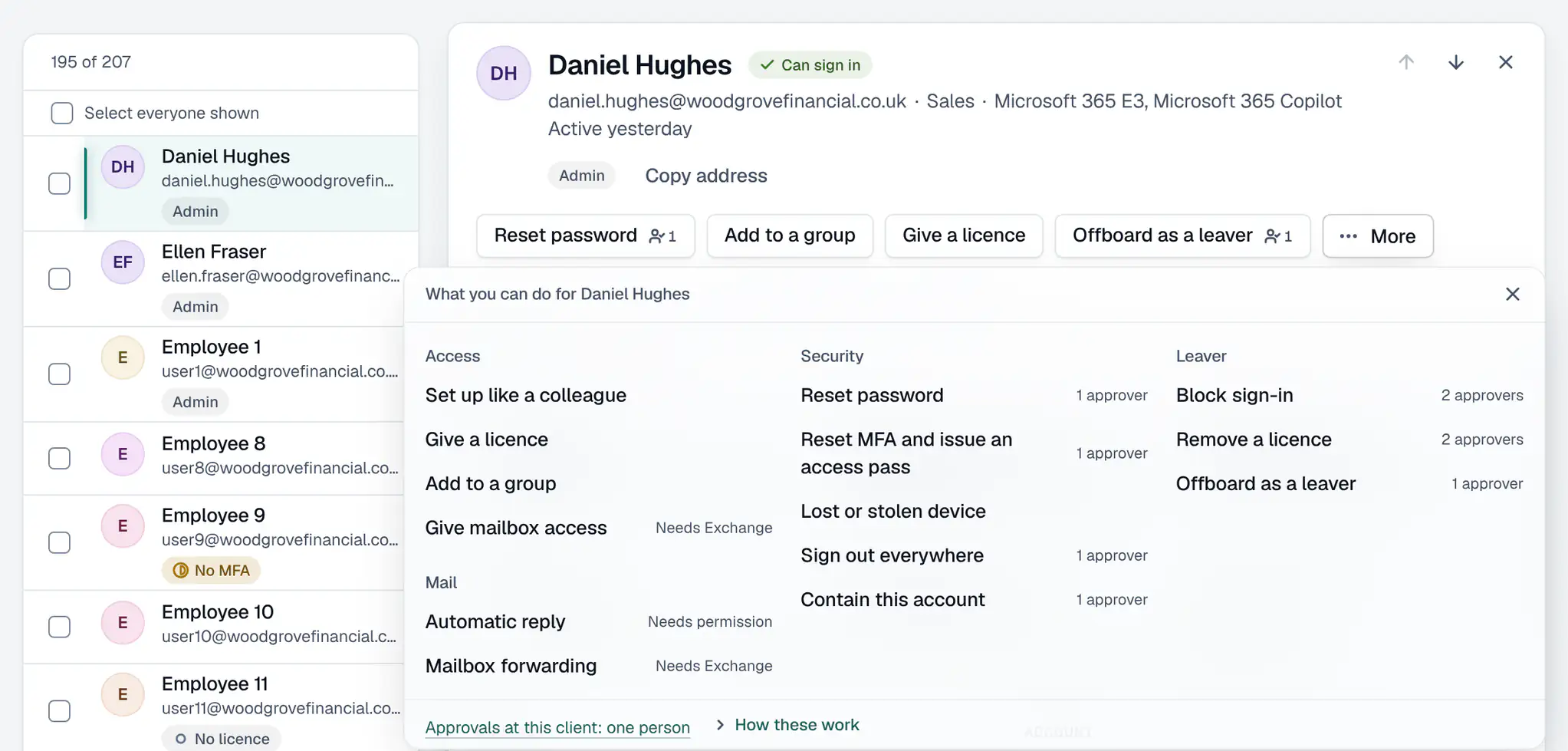
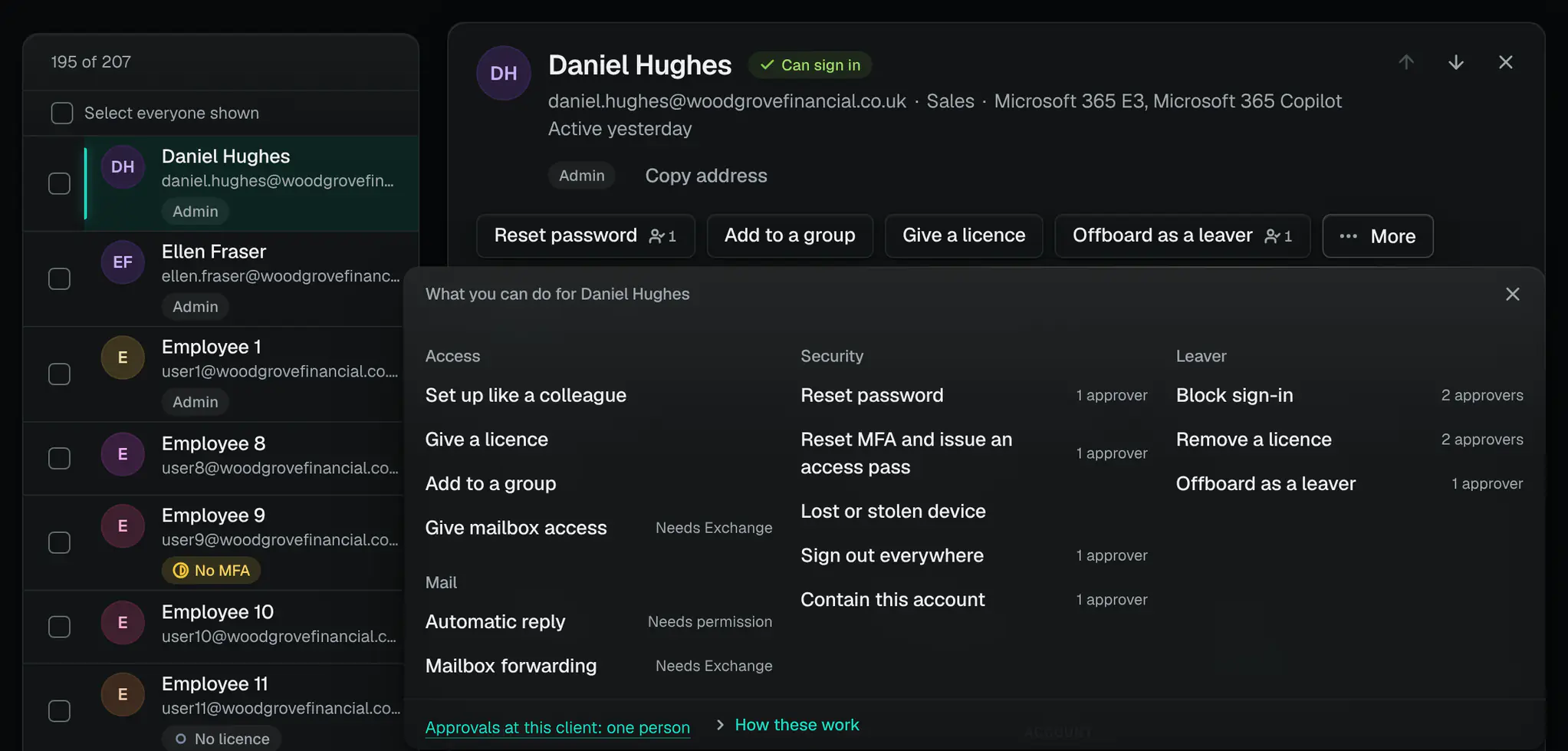
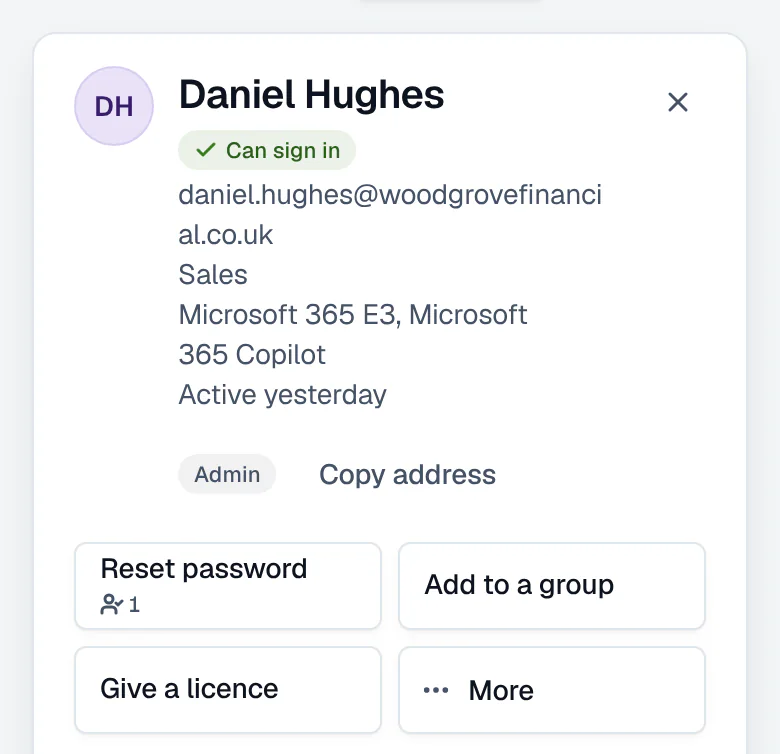
- Offboard a leaver as one approved change
- Reset a password
- Set up a new starter like a colleague
What it can’t do
- It is not a helpdesk: it keeps no tickets of its own, and records finished admin work as a ticket in your PSA.
- Mailbox steps (making a mailbox shared, mailbox access, forwarding, the address book) need Exchange automation set up for the client.
- An account synced from on-premises Active Directory must be blocked there too: a block made only in Microsoft 365 is undone at the next sync. Signing it out everywhere still works.
- No litigation hold, and no retention set for one person’s mail: a leaver’s mail is kept by making their mailbox shared.
- A shared mailbox over 50 GB, or with an archive or litigation hold, still needs an Exchange Online Plan 2 licence; the dry run says so.
- Signing someone out and removing their MFA methods cannot be rolled back.
How we count
- Steps a leaver’s offboarding offers
- 13Counted from the leaver form’s own list of steps
- Minutes in which the person who asked can undo an addition
- 30The product’s own setting for undoing an addition
- Password resets at most in one class change
- 30The product’s own limit on one class change
- Kinds of change that run when a named person asks
- 16Counted from the product’s rules for who approves what
- Kinds of change that always need two approvers
- 17Counted from the product’s list of kinds of change: each says who must approve it
ConfigCheckup
Connect one client. Plan the next leaver.
Read-only towards your tenants, except the changes a person approves. Everyday admin is dry-run first, and every change has a person’s name against it.
14 days of daily monitoring and alerts, every finding with its fix guide, and reports on up to 3 tenants, from your first connected tenant. No card. Then choose the plan that fits.