- MFA required for every admin rolein Contoso Group LtdConfirmed
- Automatic forwarding to other domains turned offin Fabrikam Legal LLPConfirmed
- Legacy sign-in blockedin Woodgrove FinancialAwaiting confirmation
- Safe Links turned on for email, Teams and Officein Coho WineryConfirmed
- SMTP AUTH turned offin Litware LtdApplying
- Device code sign-in blockedin Northwind TradersConfirmed
195 checks. Every tenant. Every day.
Checks mapped to Cyber Essentials and CIS, fixes you approve, and reports in your brand. For MSPs and in-house IT.
Free for 14 days on up to 3 tenants · No card · Read-only towards your tenants during the trial
Launch offer: 30% off every plan, monthly or yearly, for your first 12 months, for the first 50 customers. 50 places left.
- frameworks, control by control
- 19
- of 88 kinds of change can be rolled back
- 74
- checks with a fix you approve, from the finding
- 114
Every tenant marked against 19 frameworks
each check mapped control by control, with the evidence beside it
- Cyber Essentials
- Cyber Essentials Plus
- NCSC Cyber Assessment Framework
- Data Security and Protection Toolkit
- NCSC 10 Steps
- Digital Operational Resilience Act
- NIS2 Directive
- Microsoft Cloud Security Benchmark
- Zero Trust
- Microsoft Secure Score
- SOC 2
- PCI DSS 4.0.1
- NIST SP 800-171
- CMMC Level 2
- ISO/IEC 27001:2022
- CISA SCuBA Microsoft 365 baselines
- CIS Microsoft 365 Foundations v7.0.0
- CIS Controls v8.1
- NIST CSF 2.0
From consent to proof.
Reads Entra ID, Exchange Online, SharePoint and OneDrive, Teams, Defender and Intune.
Step 01: Connect
One read-only admin consent per tenant, or every client at once from Partner Center.
Step 02: Check
195 checks every day, weakest tenant first. Takeover alerts in 15 minutes (5 on Automate).
Step 03: Fix
Dry run first, then the people you name approve, then it is read back with a way back saved.
Fixes come with Automate.
Step 04: Prove
Reports and evidence packs in your brand, every change with who approved it.
Interactive demo of the ConfigCheckup console, with demo data: Changes. Loading the interactive demo.
Try step 03 yourself: approve Woodgrove Financial’s waiting change. The approval, the run and the read-back are simulated in your browser. Demo data: nothing is changed.
One tenant, one quarter · Demo data
Watch a tenant climb.
Each approved change is read back, then the next daily check scores it. The grade moves only when the tenant really changed.
87, grade A-. Woodgrove Financial, from 54 on 14 August
- 21 Oct · approvedMFA required for administrator roles by Conditional Access
- 1 Nov · approvedBlocking of legacy authentication
- 10 Nov · approvedDMARC at reject, with report addresses
Five things it does.
Automated fixes
Each fix is drafted for your approval; fixes that are not high-risk and can be undone can also run on their own, under a policy you approve.
- Dry-run against the live tenant first
- Approved by the people you name
- Read back afterwards, with a way back saved
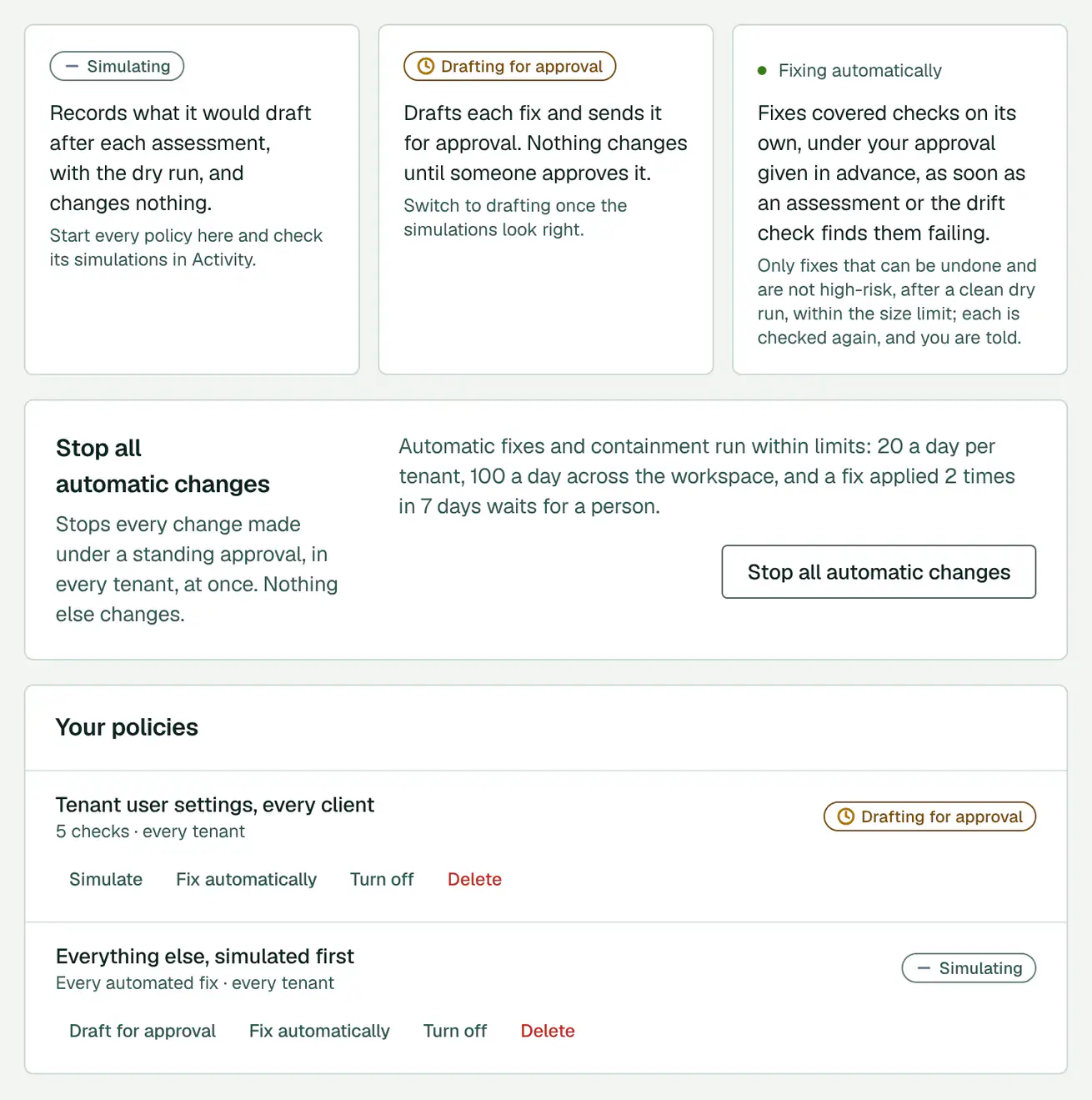
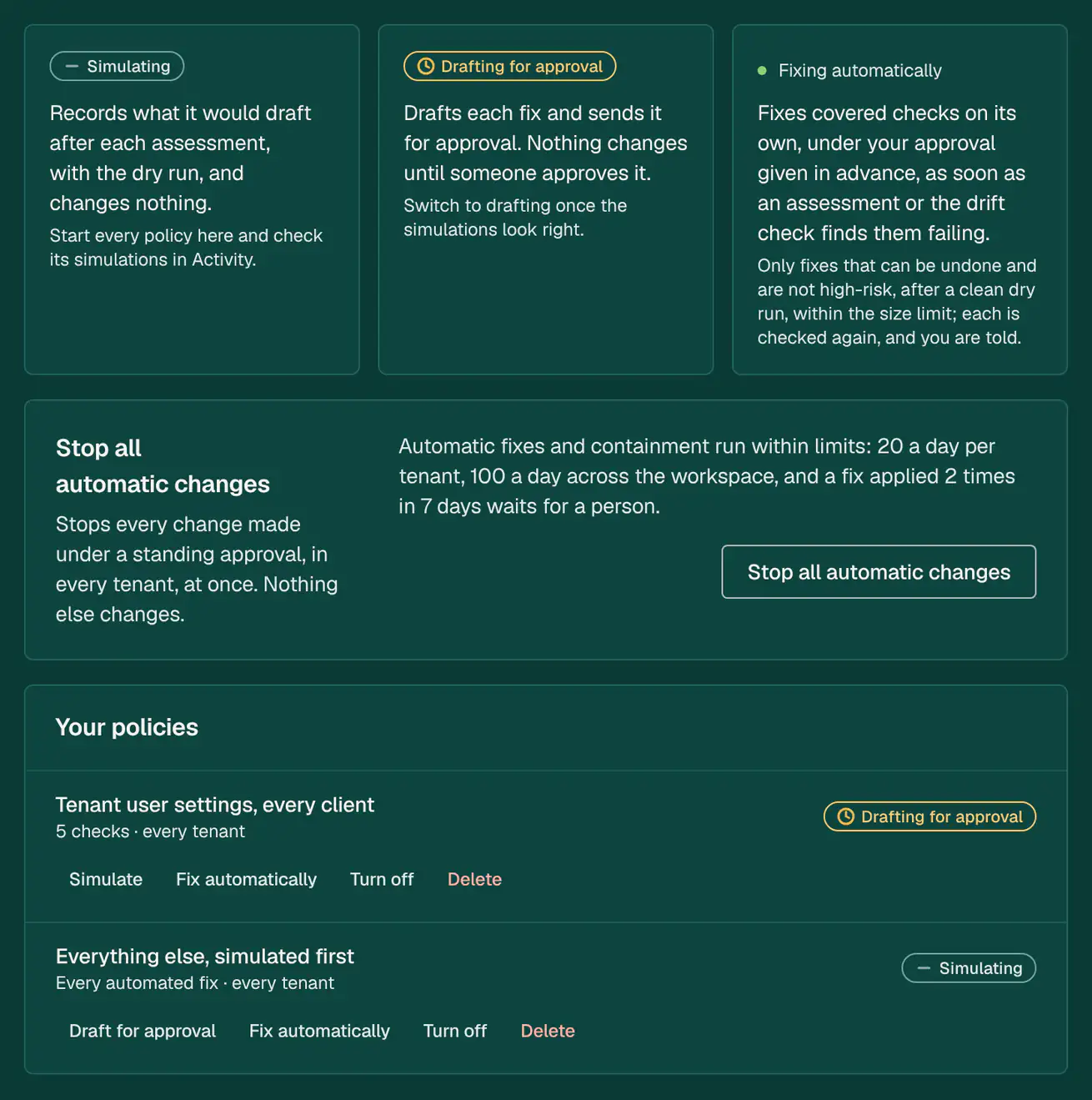
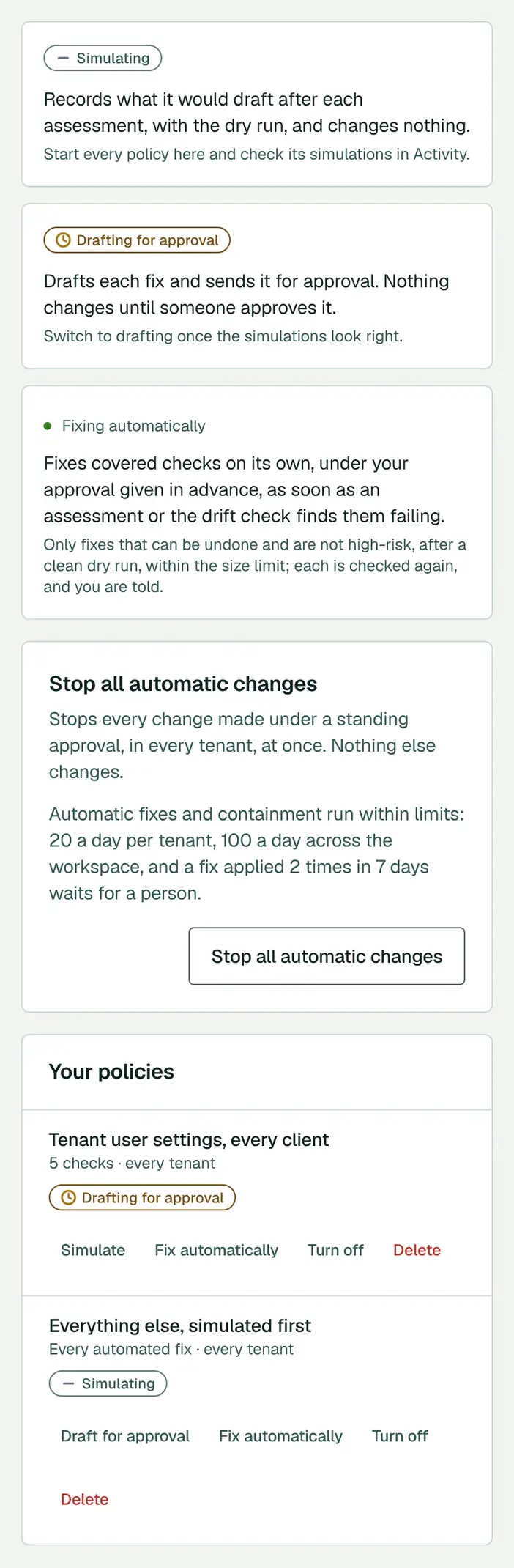
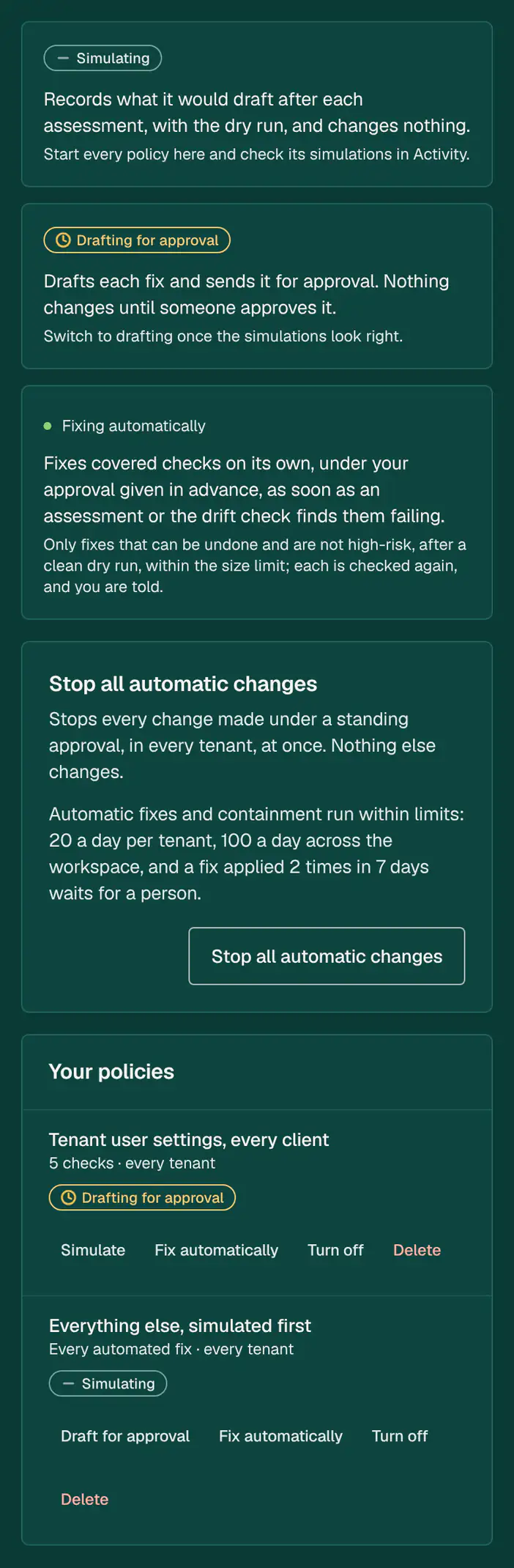
The Automation page: simulate, draft each fix for approval, or fix automatically under an approval given in advance. Demo data. Everyday admin
Starters, leavers, password and MFA resets, groups, mailboxes and licences; leavers, resets and blocks go to an approver.
- Starters and leavers as one change each
- Password and MFA resets, groups and mailboxes
- Leavers, resets and blocks signed for by an approver
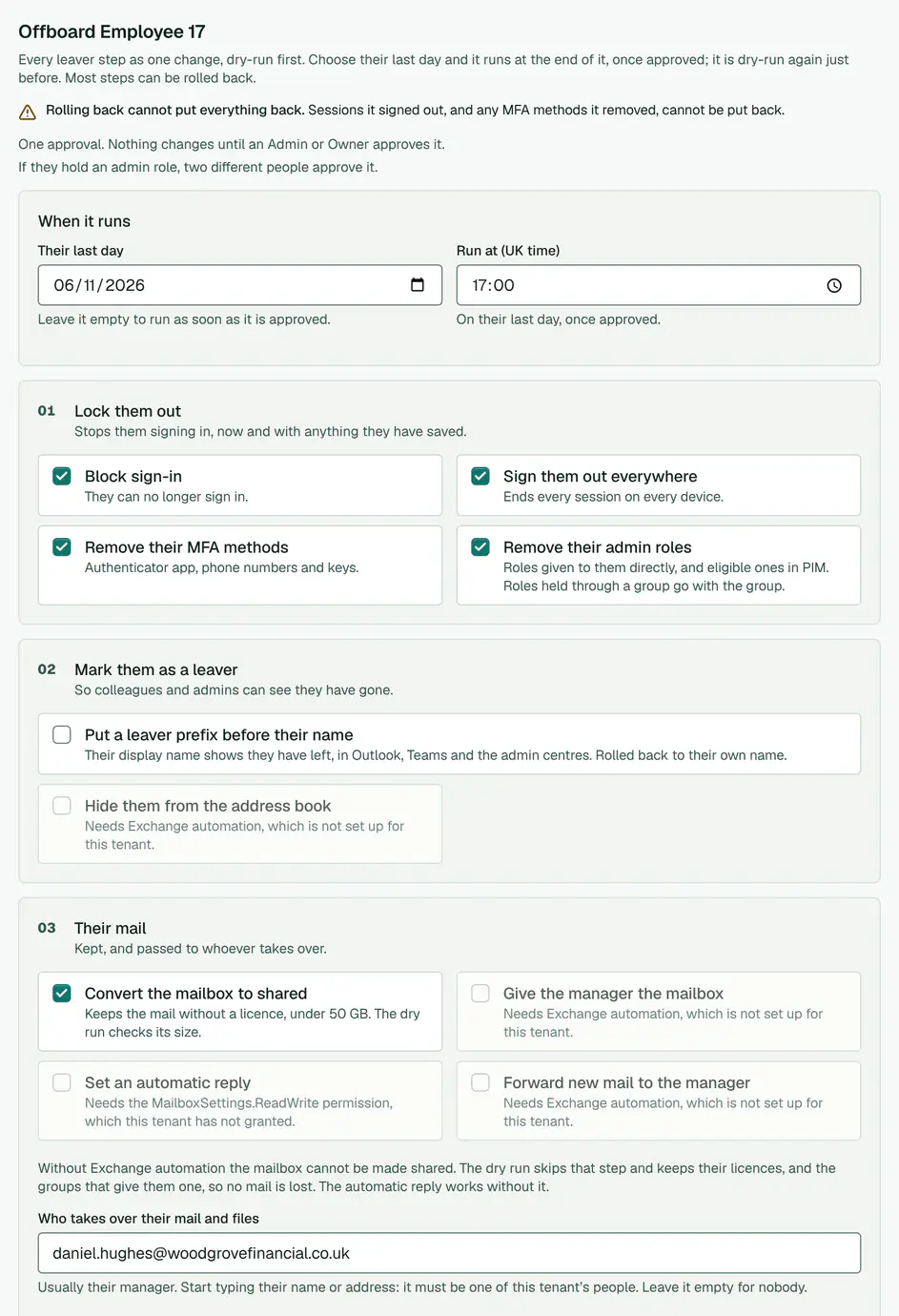
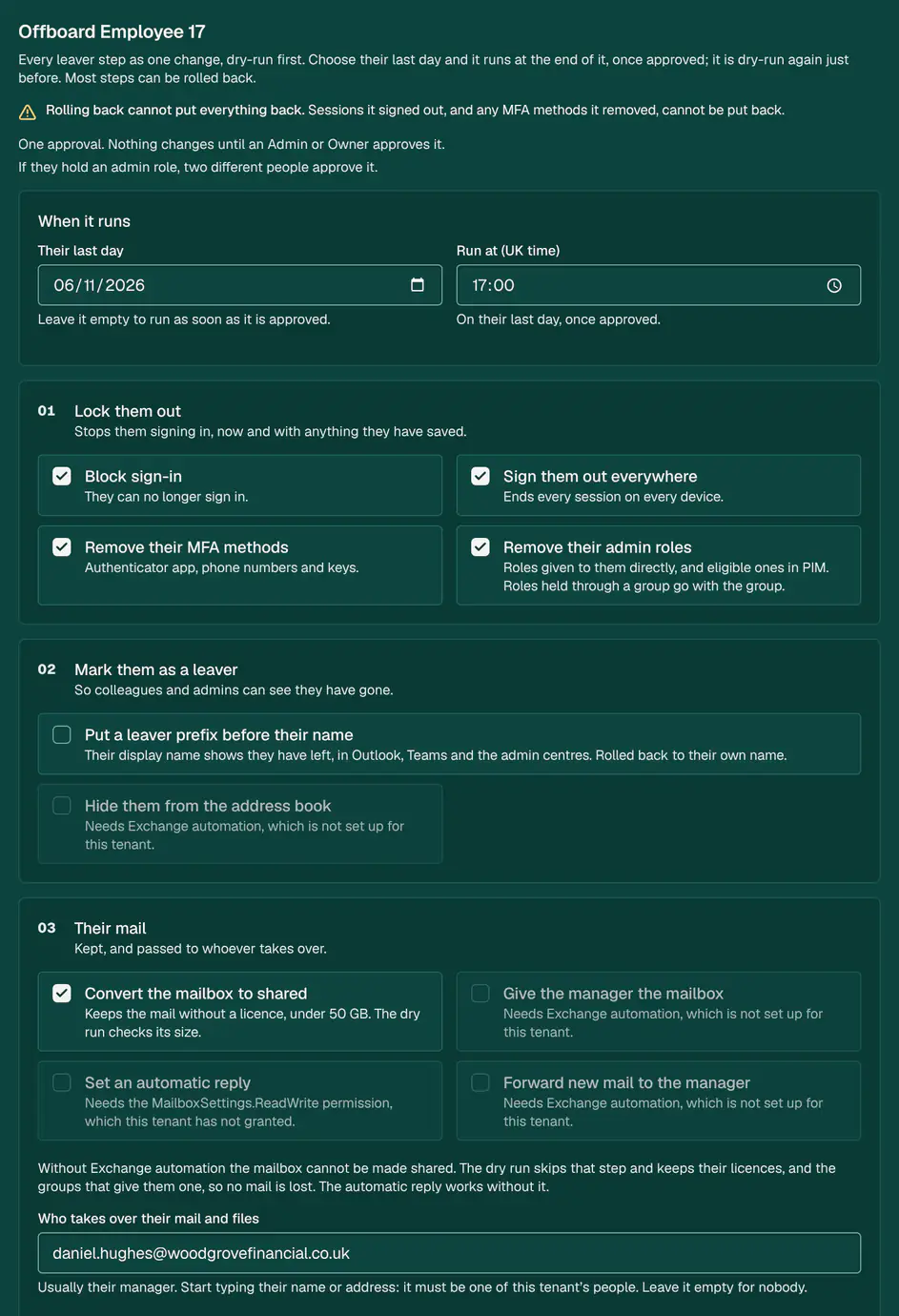


The leaver form for Employee 17 at Woodgrove Financial: the steps are one change, and nothing changes until an Admin or Owner approves it. Demo data. Reports
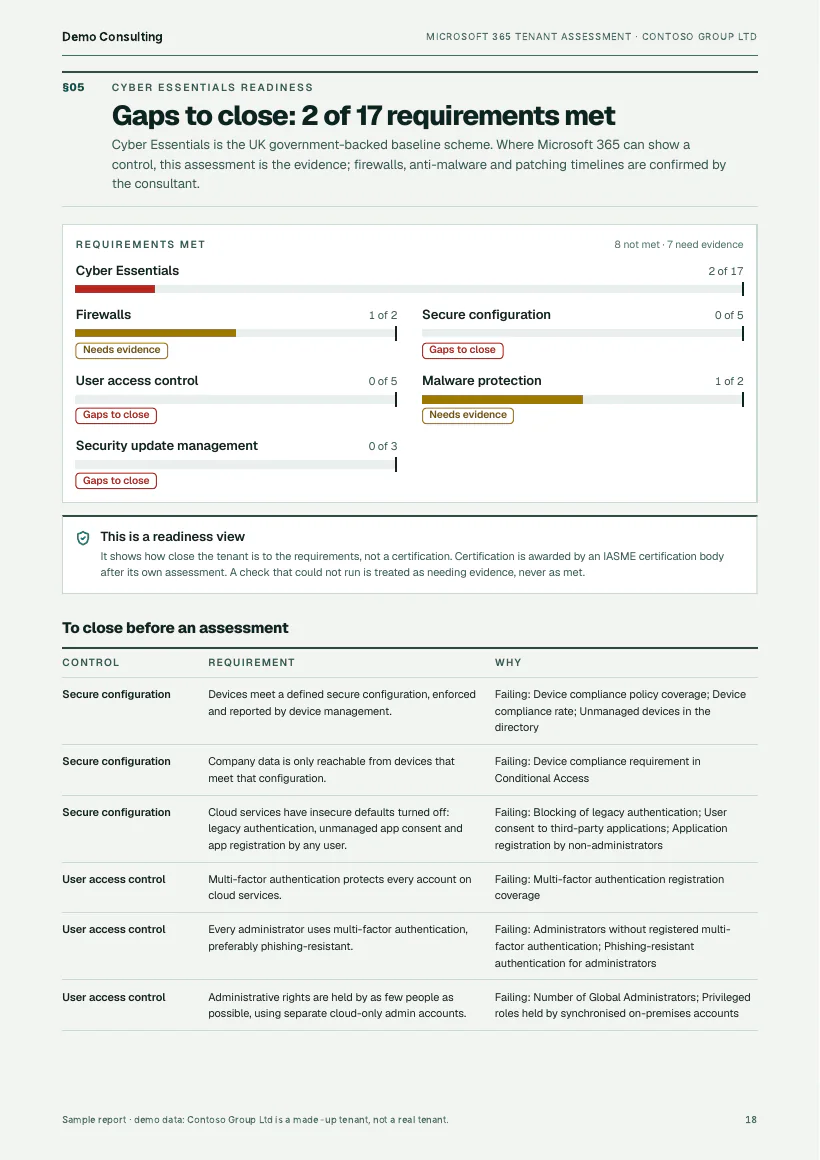
Each tenant’s readiness for Cyber Essentials, CIS and other frameworks, control by control, with reports and evidence packs in your brand.
- Readiness for each framework, control by control
- Reports and evidence packs in your brand
- Sent to your clients every month
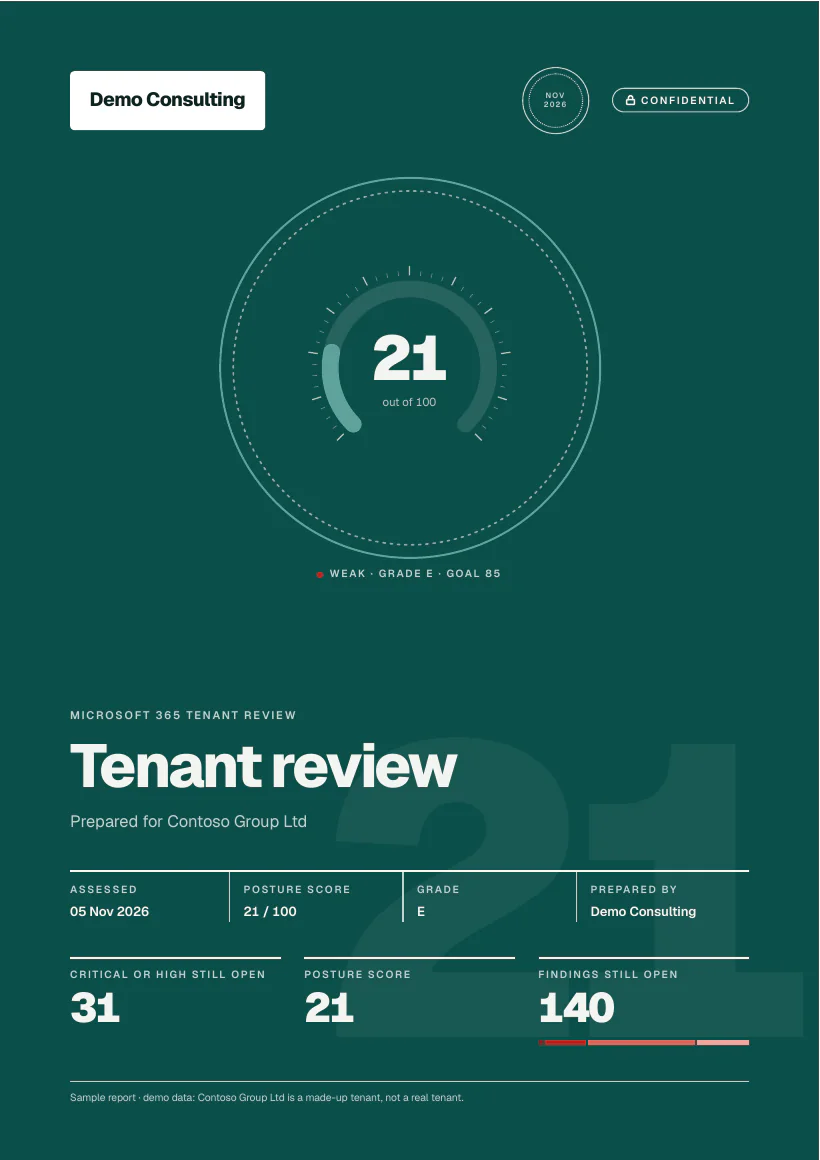
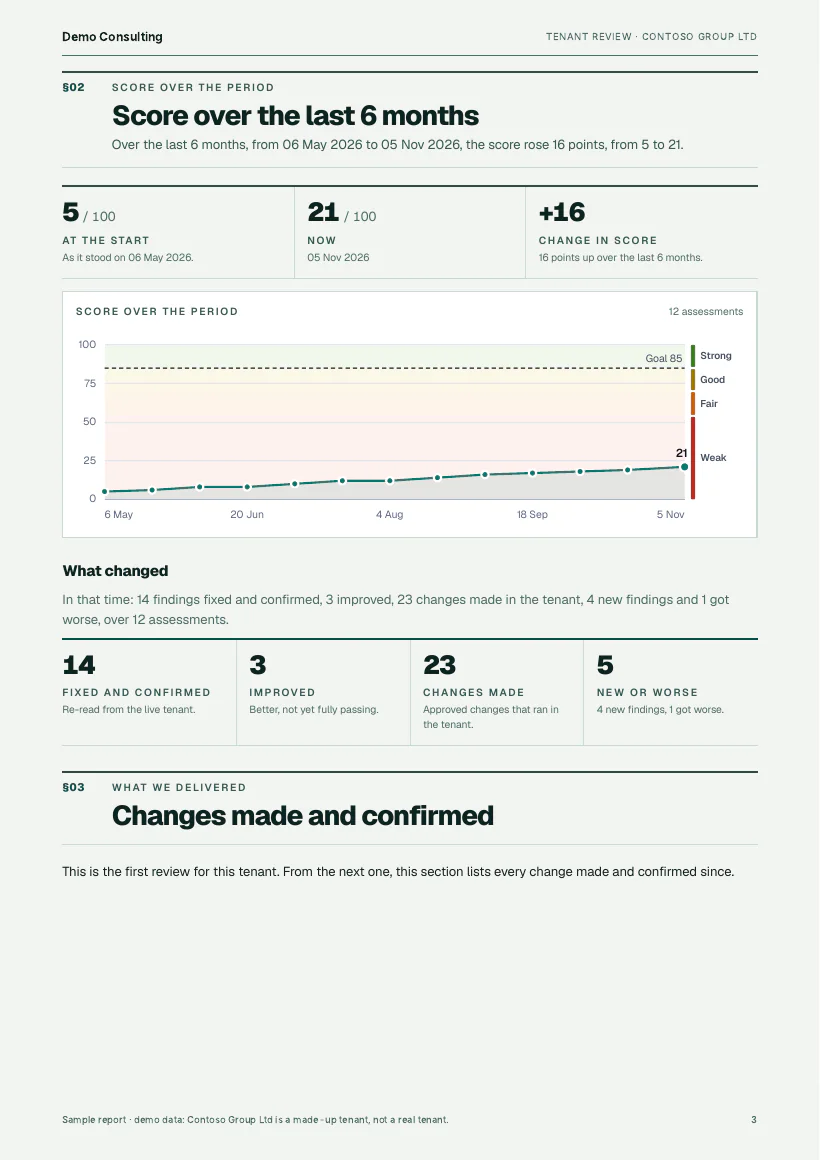
The cover of a tenant review for a made-up tenant, Contoso Group Ltd, in the demo workspace’s brand. Demo data. Devices and assets
The devices Intune and Entra know about, each with its age, support dates and replacement cost, and an asset register from purchase to disposal.
- The devices Intune and Entra know about
- Age, support dates and replacement cost
- An asset register from purchase to disposal
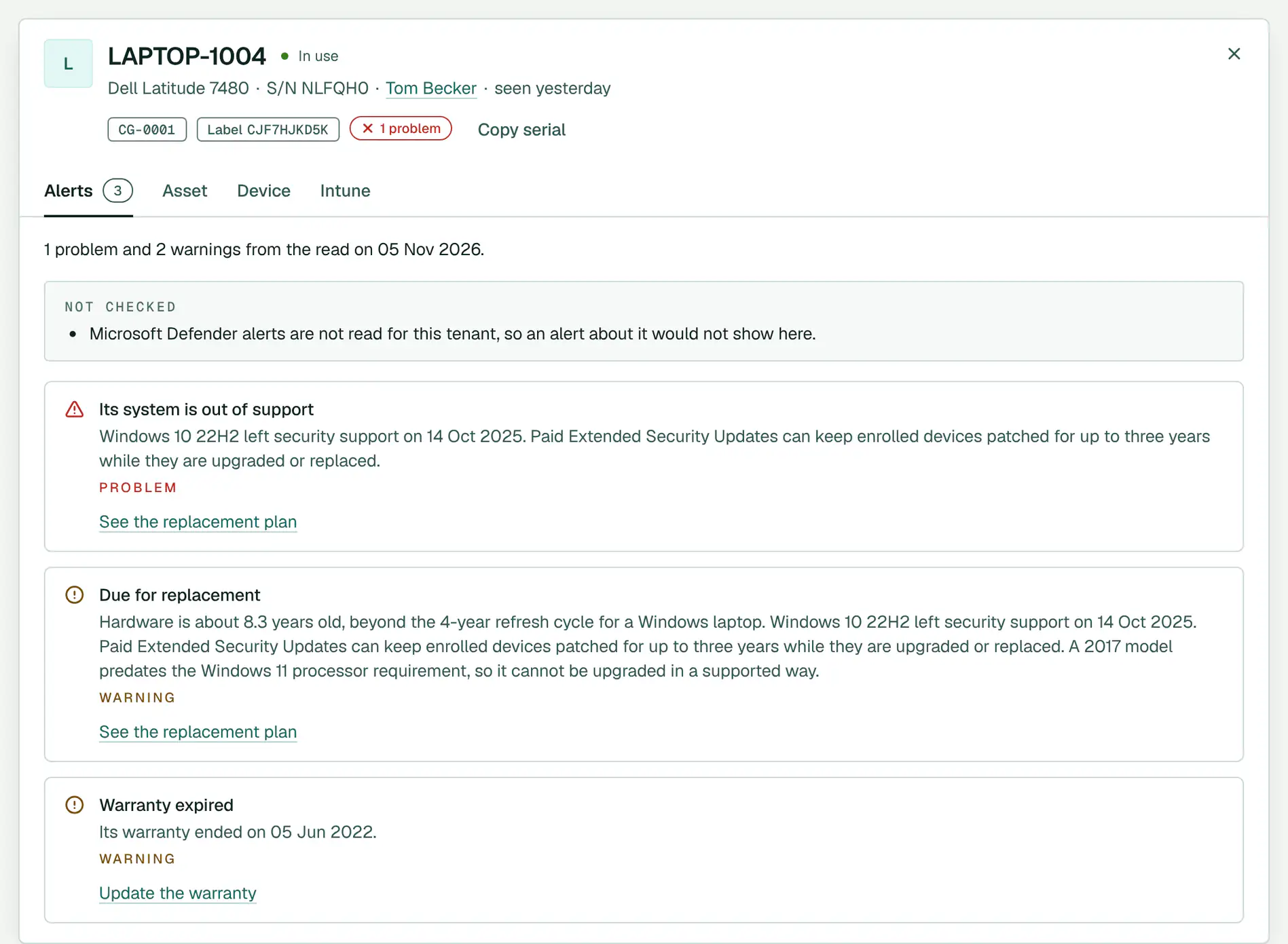
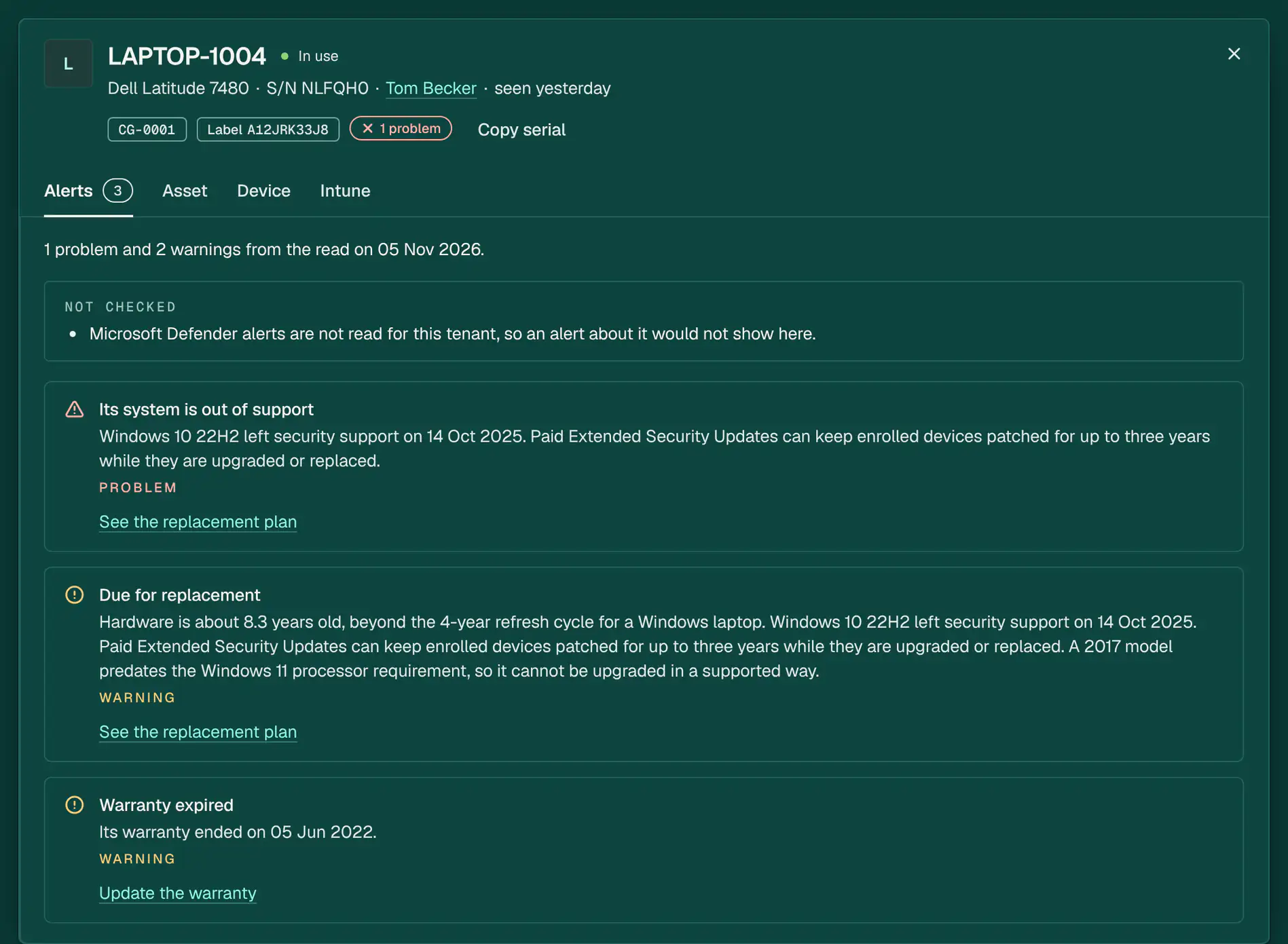
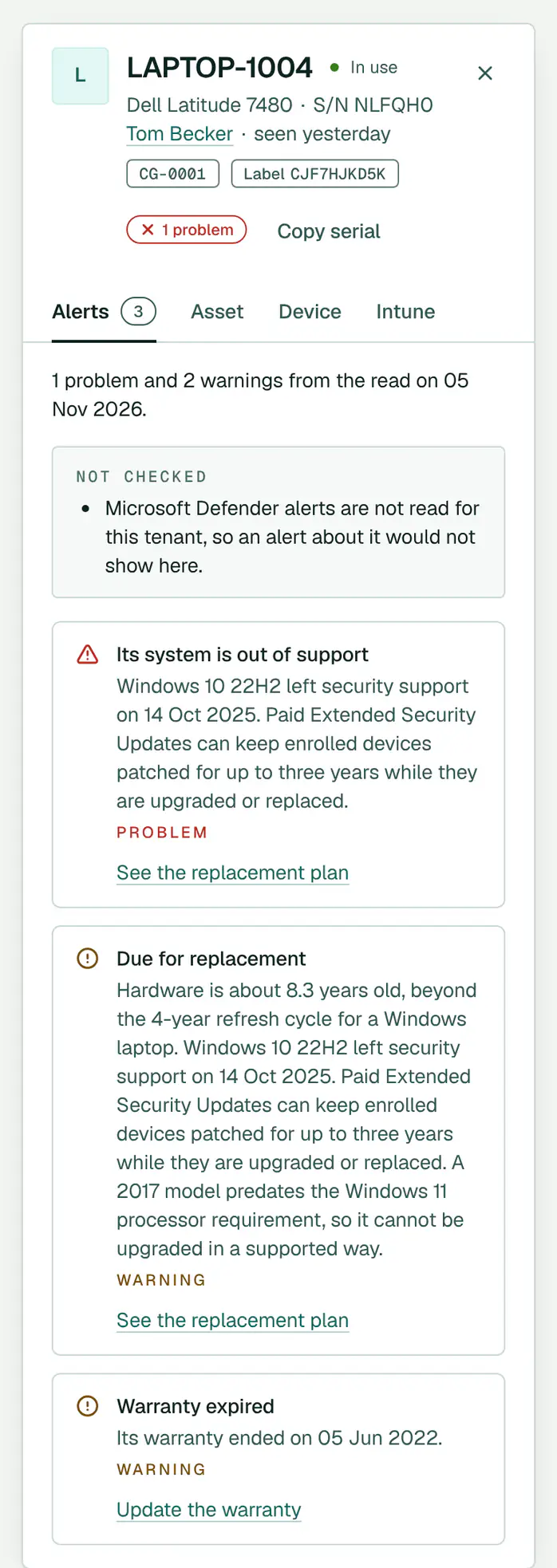
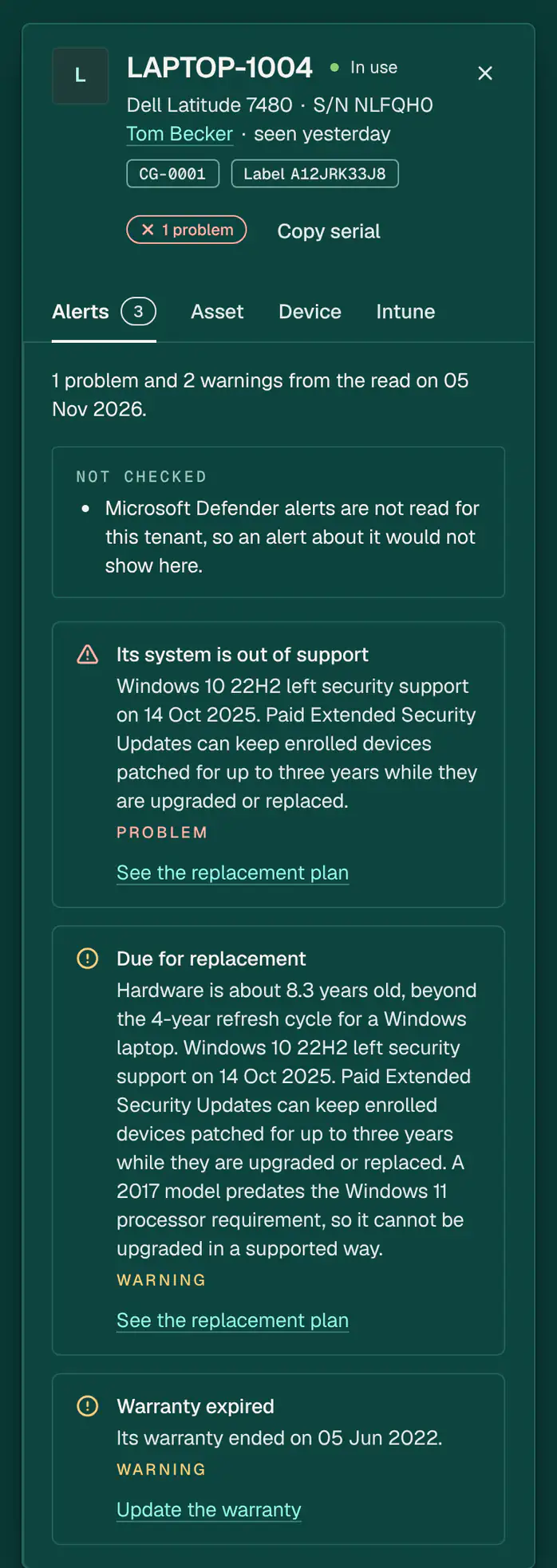
LAPTOP-1004’s page on Contoso Group Ltd’s asset register: who has it, its tag, and what needs attention, from support to warranty. Demo data. Licence savings
It finds licences paid for and not used, shows the accounts behind each one, and reclaims them as an approved change that can be rolled back.
- Licences paid for and not used
- The accounts behind each one
- Reclaimed as an approved change that can be rolled back
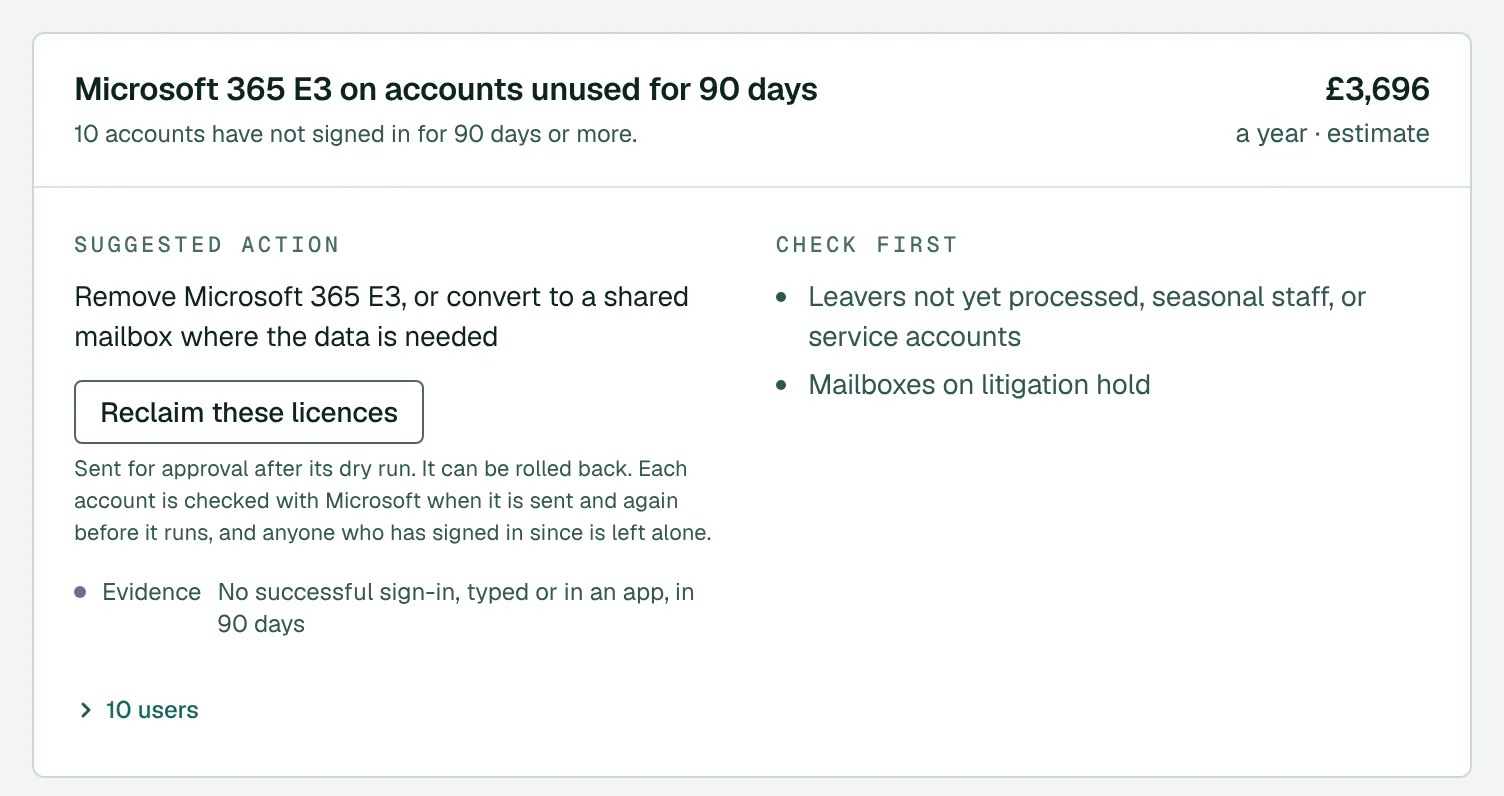
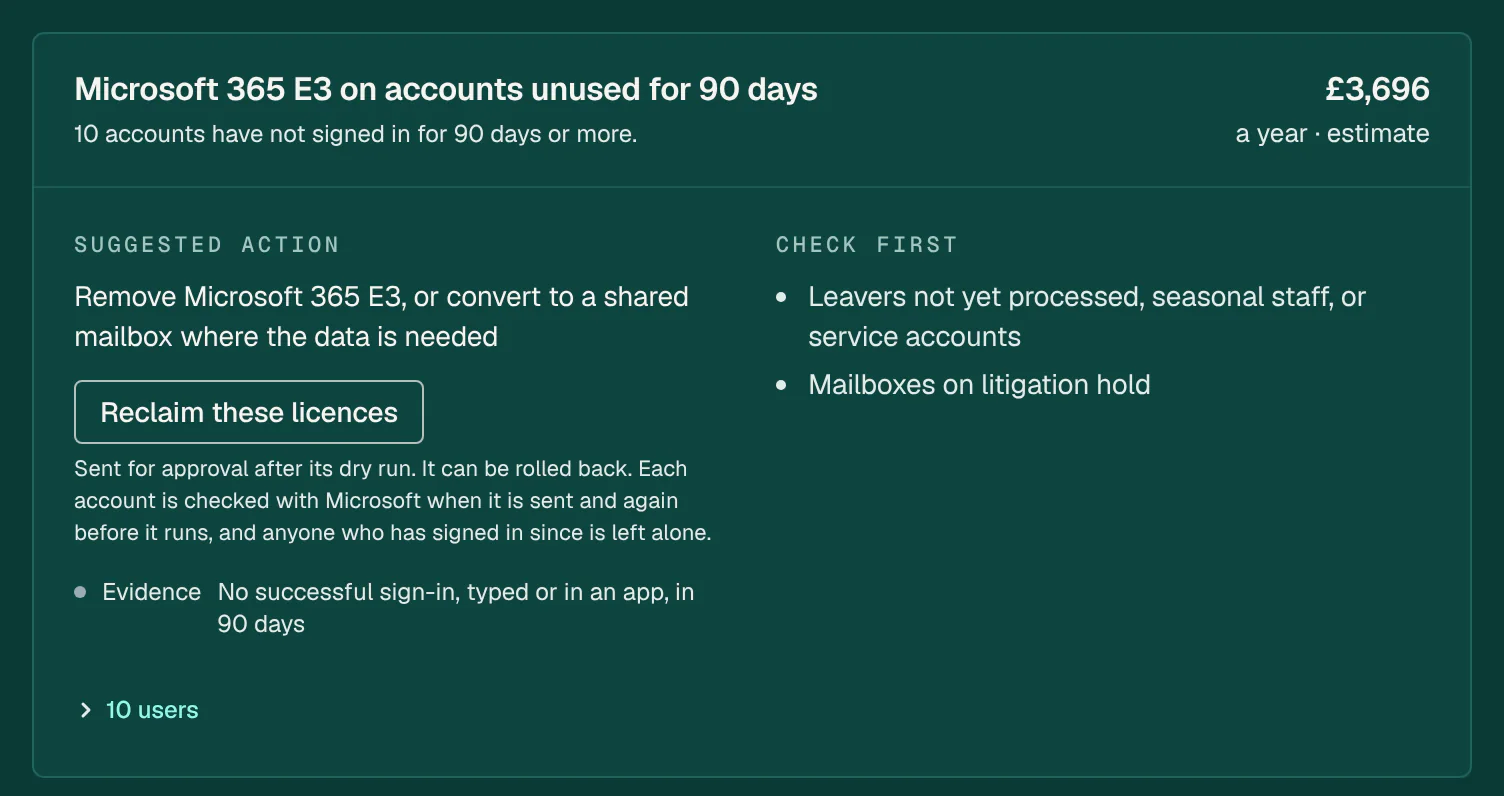
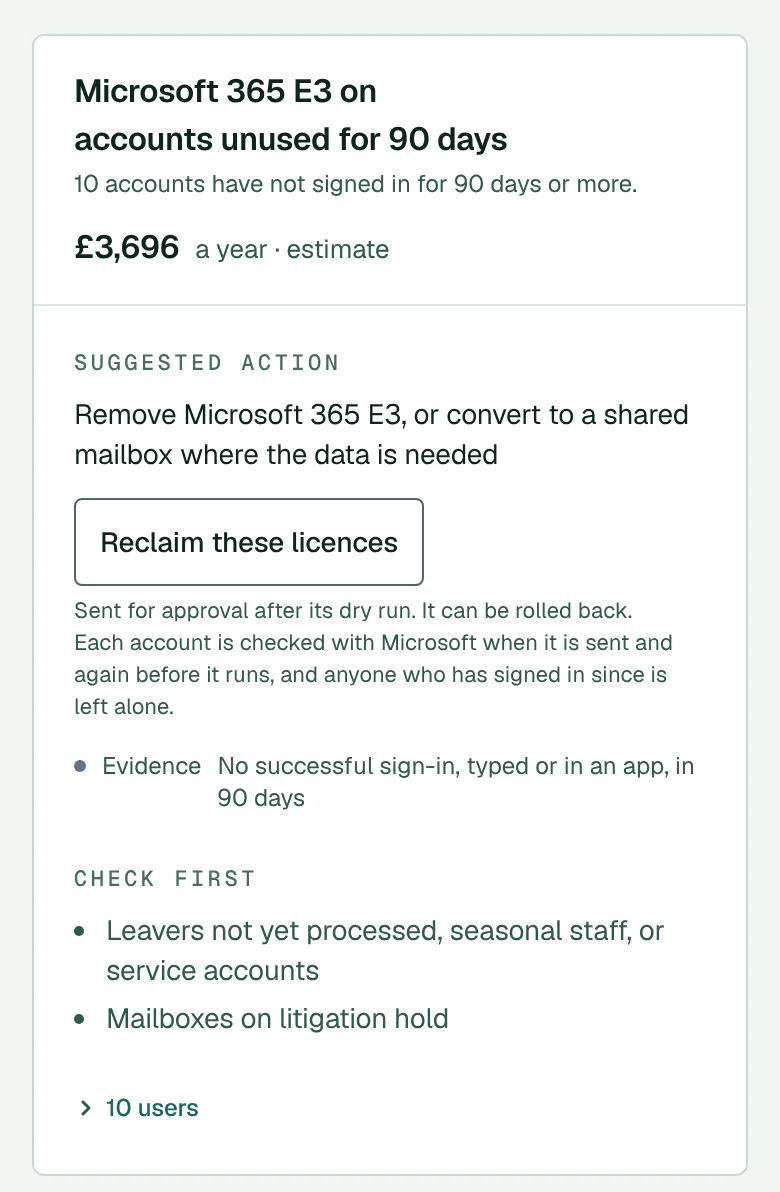
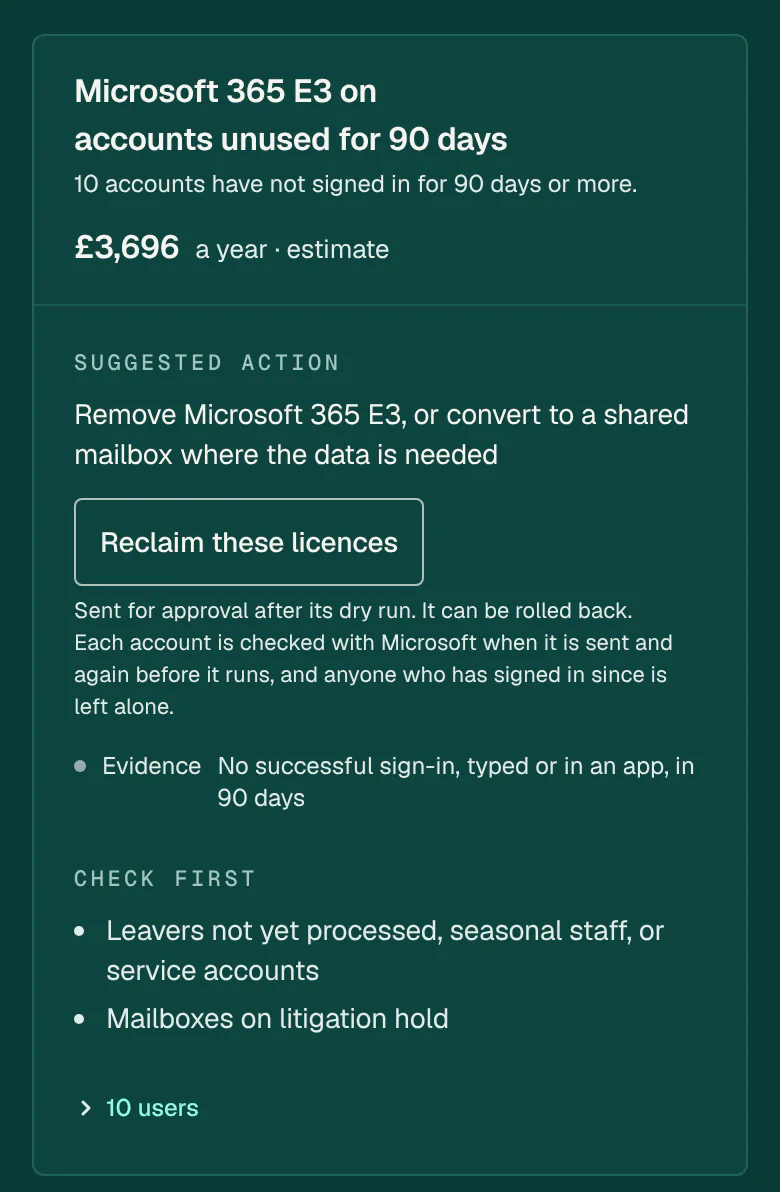
A suggestion on Contoso Group Ltd’s Licences page: reclaiming goes for approval after its dry run and can be rolled back. A seat taken back is billed until the seat count is reduced. Demo data.
The report your client reads, in your brand.
Posture, every finding with its fix, every change with who approved it, and the evidence for each framework control. Sent monthly, with nothing of ConfigCheckup on it.
Download a sample report (PDF)
Hover or tab to the page to turn it over. Demo data: made-up tenants.
What people ask first.
Does it change anything without asking?
Only what a person has approved: one change at a time, or in advance under a standing approval you set. Read-only towards your tenants, except the changes a person approves. Every change has a person’s name against it: who asked for it or who approved it. An automatic fix is approved in the name of the person who approved the policy.
Anything that removes or disables is approved by one or two people, your choice per tenant; some higher-risk changes always need two. With two, at least one is not the person who raised it. Changes that only add, and taking one person out of a group or a mailbox, run without approval and can be undone.
Automatic fixes run only for kinds of change that are not high-risk and either can be undone or change nothing in the tenant, under a standing approval an Admin or Owner gives in their own name, and at most 20 a tenant and 100 a workspace in any 24 hours.
One high-risk change can also run on its own: where an Admin or Owner turns on automatic containment for a tenant, an account in a high-confidence takeover is contained straight away, in that person’s name, after its dry run, and admins are told.
Is it an RMM?
No. It installs no agent, and does no remote control, network scanning or patching, beyond moving Windows devices to a supported release through their Intune update ring.
Its devices come from Intune and Entra. Connect Datto RMM, N-able N-central or NinjaOne (beta, read-only) to see the devices with an agent that Intune and Entra do not know.
Are the savings guaranteed?
No. Licence savings are estimates, at indicative UK list prices (September 2026) until you set your own. Reclaiming licences is a change a person approves, and it can be rolled back.
The savings record counts only what changes that ran did: licences taken back, people moved to a cheaper licence and seats cut, each seat at your price on the day, for 12 months. A change rolled back, even in part, never counts. A licence taken back is counted from the day the change ran, but Microsoft bills the seat until the subscription’s seat count is reduced.
Where is our data held?
The service, its database and generated reports are hosted in the EU (Frankfurt) by Render.
It reads settings and activity records (such as sign-ins and the audit log), never content, and writes them only to its own database.
Assessment history is kept for your plan’s period (24 months on Monitor, 36 on Automate), and each tenant’s latest assessments are always kept, so trends and change tracking work. Removing a tenant deletes its data, and an Owner can close the workspace and delete everything in it from Settings → Workspace.
Does it work for schools and trusts?
Yes, on the same price list. Each school with its own Microsoft 365 is a tenant, and students and pupils, guests, unlicensed and disabled accounts, shared mailboxes, and room and equipment accounts never count.
Reset a class’s passwords in one approved change, up to 30 pupils at a time, with the passwords shown once to the approver in the console; and give governors and trustees a report they can read.
What happens after the trial?
The trial is daily monitoring and alerts, every finding with its fix guide, and reports on up to 3 tenants, with 3 seats and no card, the same for everyone. It includes 5 assessments you start and 3 reports for each tenant a month, up to 3 leads at once and 3 lead health checks a month; scheduled runs and fix checks don’t count. The read API comes with Monitor, and approved fixes, webhooks and custom rules with Automate; you can still see every fix guide. The 14 days count from when your first tenant connects, and you have 30 days from sign-up to connect one, so time waiting for consent is not lost. A school, college or public body we have verified gets 30 days, to fit a purchase-order cycle. Need longer? Add 7 days once, from Settings → Plan and billing. When it ends without a plan chosen, the workspace turns read-only; it does not close. Your tenants, findings and history stay. You can still sign in, read every finding and its fix guide, and download every report and export; new assessments, reports and changes wait until you choose a plan. Choose a plan at any time to pick up where you left off. A trial is available once per email address, and once per Microsoft 365 tenant, in any 60 days.
Not ready to connect a tenant? Check any domain’s email security now. Free, no sign‑up
Start with your first tenant today.
From £35 a month for your first tenant, priced by tenant, never per user.
1 tenant = up to 150 staff users. A larger tenant counts once for every 150 (e.g. 400 staff users = 3 tenants). Students and pupils, guests, unlicensed and disabled accounts, shared mailboxes, and room and equipment accounts never count.
14 days of daily monitoring and alerts, every finding with its fix guide, and reports on up to 3 tenants, from your first connected tenant. No card. Then choose the plan that fits. The trial watches and reports; fixes and everyday admin come with Automate.
Launch offer: 30% off every plan, monthly or yearly, for your first 12 months, for the first 50 customers. 50 places left.
- Built in the UK
- Read-only towards your tenants, except the changes a person approves
- Settings and activity records, never content
- No AI
- Data processing agreement under UK GDPR Article 28
- Trust centre