Solutions · Baselines
Hold every client to one Microsoft 365 standard.
Write down what your service promises once, as a baseline of checks, and see which clients meet it and what slipped since the last assessment.
30 days of everything in Automate on up to 3 tenants, from your first connected tenant. No card. Then choose the plan that fits.


- How many tenants meet the standard
- Drift since the last assessment
Why this is hard today
Every client is meant to get the same standard, but each tenant drifts in its own way: an exclusion added in a hurry, a setting changed by another admin, a new tenant never brought up to it. Checking each one against the standard by hand does not scale.
How ConfigCheckup solves it
One standard, many clients
A baseline is a named set of checks, held across every client you tag, so a new client joins it by getting the tag.Start from a template
Security essentials, CIS Microsoft 365 aligned, CIS Controls v8 (IG1), Cyber Essentials (Microsoft 365 evidence), Email security, Every control. Or pick the checks yourself.Who meets it, worst first
Each client with the checks it does not meet, and what drifted since the last assessment.Told when it slips
A daily check alerts you by email, Teams or Slack when a critical check stops passing between assessments.
Choose the checks
Start from a template or pick the checks your service promises, and choose the client tags it covers.
See who meets it
Every client in scope, worst first, with what it does not meet and what drifted.
Put it right
Fix a failing check at one client, or at up to 100 clients from one screen, each as its own approved change.
Every client against the standard
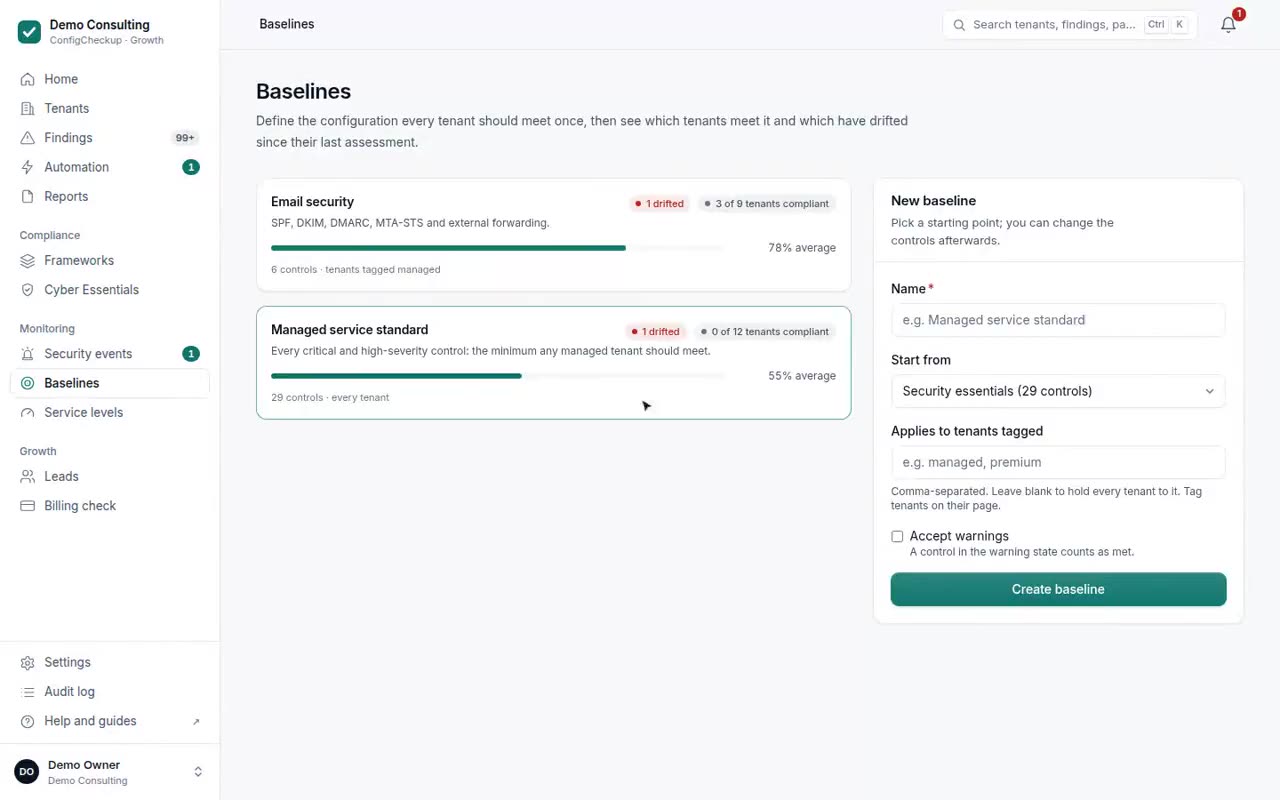
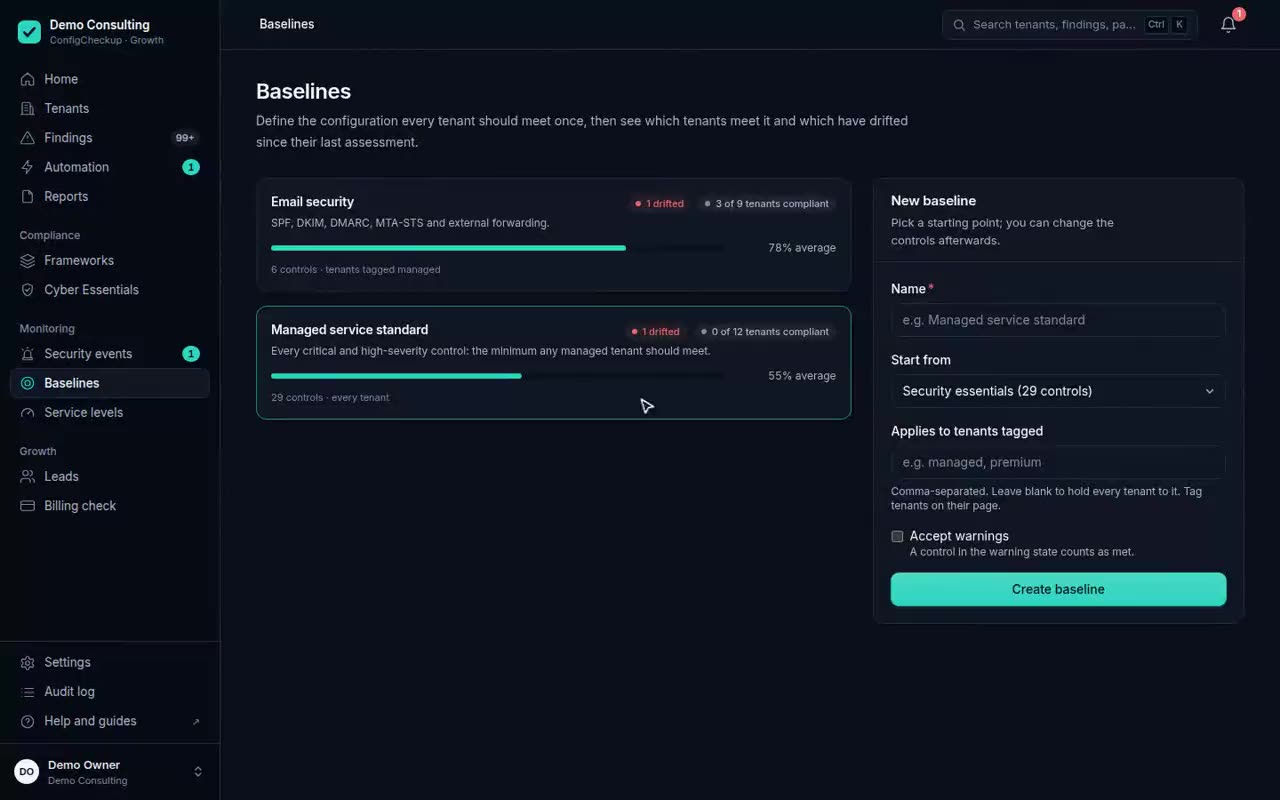
An email security baseline across the demo workspace’s tenants, worst first, with the tenant that drifted since the last assessment highlighted. Demo workspace.
Check it yourself
- A baseline is made of the same 176 checks as the assessment, so it never disagrees with the findings. Check it: A baseline is made of the same 176 checks as the assessment, so it never disagrees with the findings.
- A client whose check could not run shows as not assessed against the baseline, never as meeting it.
- Fixing across clients keeps each client’s own dry run and approval rule. Check it: Fixing across clients keeps each client’s own dry run and approval rule.
What it can’t see
Said plainly, so you know what you are buying.
- A baseline measures clients against checks. It changes nothing by itself: putting a client right is an approved change.
- Between assessments, drift is found by the drift check of the settings behind findings; anything else is found at the next assessment.
- Checks that need a licence or role the client does not have are reported as not assessed.
It reads settings and activity records, never content, with permissions your client’s admin grants. Every permission and role, and why
Questions
- Is a baseline the same as a framework?
- No. Frameworks are fixed (20 of them, such as Cyber Essentials); a baseline is your own standard, built from the same checks, for the clients you choose.
- Does a baseline change client tenants?
- No. It shows who meets it. Changes are made as approved changes, one client or many at once, with a dry run and a way back.
Plans: Baselines and drift alerts on every plan; fixing what fails with Automate and above.
What each plan includesSee it on your own tenants.
The findings and figures come from your client’s own tenant, not from averages.
30 days of everything in Automate on up to 3 tenants, from your first connected tenant. No card. Then choose the plan that fits.